Can you play World of Warcraft on Mac? Requirements and FPS on every model
Yes: World of Warcraft has a native Apple Silicon version sold on Battle.net. It needs an Apple M2 or newer and 8 GB of unified memory. It runs on 31 of the 40 Apple Silicon Macs we track, and 31 of them go past 60 FPS at 1080p High.
The oldest Mac that clears 60 FPS at 1080p High is the MacBook Air M2 (about 87 FPS).
Data reviewed October 1, 2026

 Affiliate link
Need game time for World of Warcraft?
Battle.net game-time cards, valid on Mac. Pick your account’s region.
Play in your browser — no downloads, no sign-up.

Coin Crest
Play free →

Kaboom Blocks
Play free →

Balcony Splash
Play free →

Nara and the Forest Roots
Play free →

Hexalia
Play free →

Héroes de Éter
Play free →

King's Towers
Play free →

Snake Odyssey
Play free →

Chess
Play free →

Trivia Party
Play free →
What FPS does your Mac get in World of Warcraft?
Pick your model, then set memory, GPU cores and MetalFX.
Mac compatibility
- Apple Silicon native
- Yes
- Store
- Battle.net
- Minimum chip
- Apple M2
- Minimum memory
- 8 GB
- MetalFX
- No
- Mac release
- 2004
World of Warcraft FPS on every Mac model
EstimateHigh preset, no MetalFX, on each Mac’s base configuration (with the memory the game requires). Sorted from most to fewest FPS.
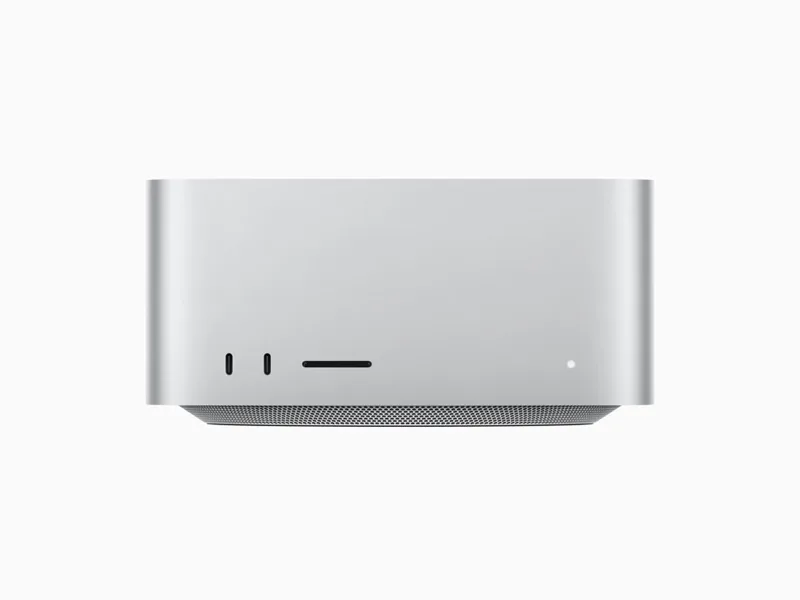
Mac Studio M5 Ultra
M5 Ultra · 64/80 GPU cores · 96/256/512 GB
- 1080p
- 180
- 1440p
- 180
- 4K
- 176
Mac Studio M3 Ultra
M3 Ultra · 60/80 GPU cores · 96/256/512 GB
- 1080p
- 180
- 1440p
- 177
- 4K
- 152
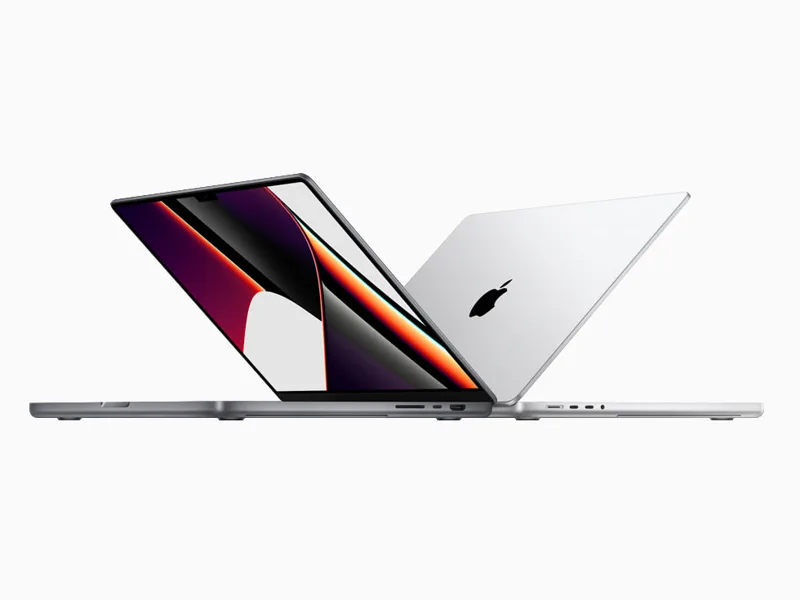
MacBook Pro M5 Max
M5 Max · 32/40 GPU cores · 36/48/64/128 GB
↓ -0.6% FPS vs the Mac Studio M3 Ultra
- 1080p
- 179
- 1440p
- 177
- 4K
- 149
Mac Studio M5 Max
M5 Max · 32/40 GPU cores · 36/48/64/128 GB
- 1080p
- 179
- 1440p
- 177
- 4K
- 150
Mac Studio M4 Max
M4 Max · 32/40 GPU cores · 36/48/64/128 GB
- 1080p
- 179
- 1440p
- 173
- 4K
- 131
MacBook Pro M4 Max
M4 Max · 32/40 GPU cores · 36/48/64/128 GB
- 1080p
- 179
- 1440p
- 173
- 4K
- 130
Mac Studio M2 Ultra
M2 Ultra · 60/76 GPU cores · 64/128/192 GB
- 1080p
- 179
- 1440p
- 176
- 4K
- 146
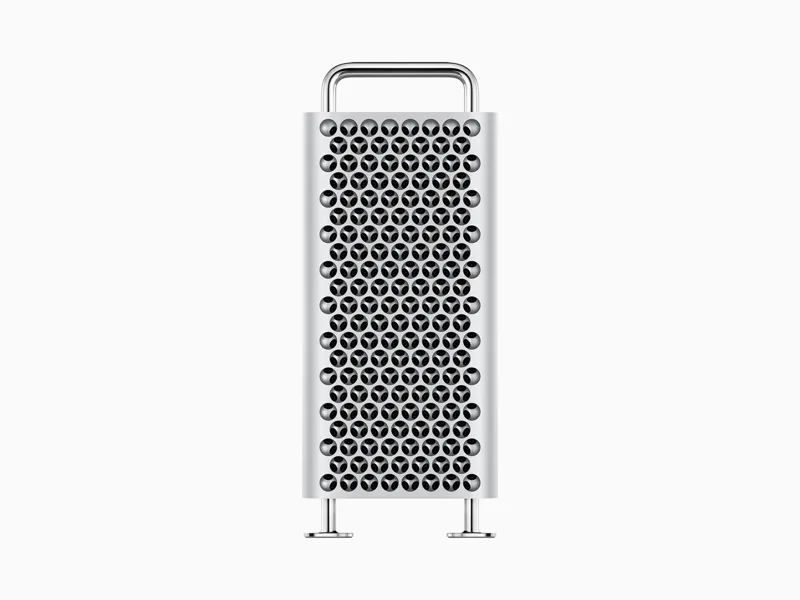
Mac Pro M2 Ultra
M2 Ultra · 60/76 GPU cores · 64/128/192 GB
- 1080p
- 179
- 1440p
- 176
- 4K
- 146
MacBook Pro M3 Max
M3 Max · 30/40 GPU cores · 36/48/64/96/128 GB
↓ -1.7% FPS vs the Mac Pro M2 Ultra
- 1080p
- 176
- 1440p
- 161
- 4K
- 104
MacBook Pro M2 Max
M2 Max · 30/38 GPU cores · 32/64/96 GB
- 1080p
- 176
- 1440p
- 158
- 4K
- 99
Mac Studio M2 Max
M2 Max · 30/38 GPU cores · 32/64/96 GB
- 1080p
- 176
- 1440p
- 159
- 4K
- 100
MacBook Pro M5 Pro
M5 Pro · 16/20 GPU cores · 24/36/48/64 GB
↓ -0.6% FPS vs the Mac Studio M2 Max
- 1080p
- 175
- 1440p
- 156
- 4K
- 97
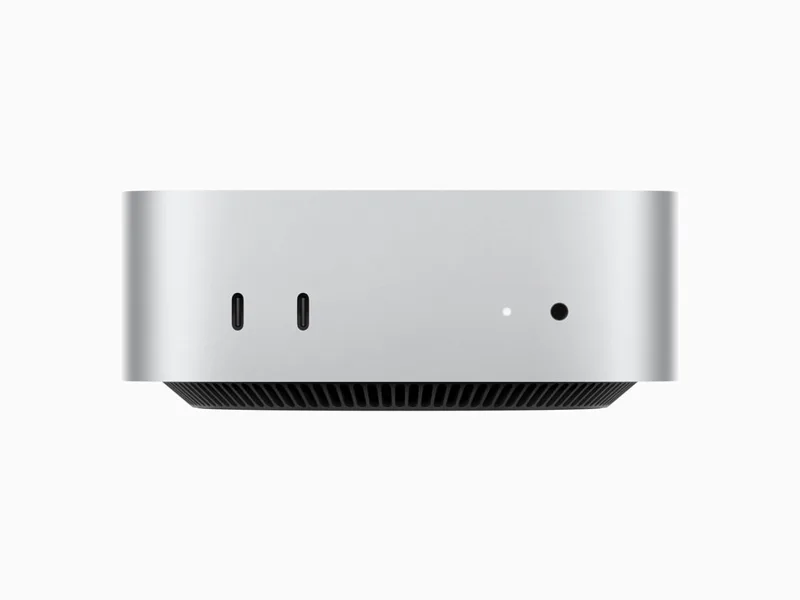
Mac mini M5 Pro
M5 Pro · 16/20 GPU cores · 24/48/64 GB
- 1080p
- 175
- 1440p
- 157
- 4K
- 98
Mac mini M4 Pro
M4 Pro · 16/20 GPU cores · 24/48/64 GB
↓ -3.4% FPS vs the Mac mini M5 Pro
- 1080p
- 169
- 1440p
- 138
- 4K
- 79
MacBook Pro M4 Pro
M4 Pro · 16/20 GPU cores · 24/48 GB
- 1080p
- 169
- 1440p
- 137
- 4K
- 78
Mac mini M6
M6 · 12 GPU cores · 16/24/32 GB
↓ -0.6% FPS vs the MacBook Pro M4 Pro
- 1080p
- 168
- 1440p
- 137
- 4K
- 77
MacBook Pro M5
M5 · 10 GPU cores · 16/24/32 GB
↓ -5.4% FPS vs the Mac mini M6
- 1080p
- 159
- 1440p
- 119
- 4K
- 64
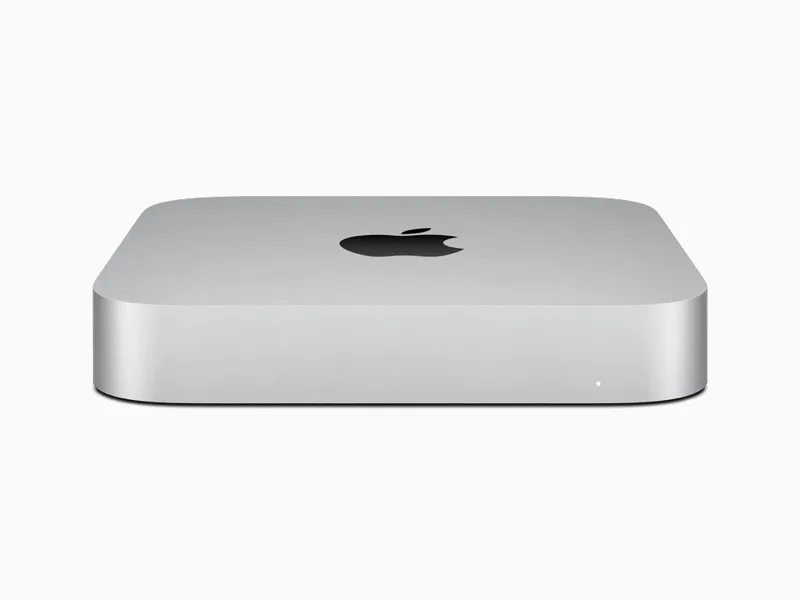
Mac mini M2 Pro
M2 Pro · 16/19 GPU cores · 16/32 GB
↓ -3.8% FPS vs the MacBook Pro M5
- 1080p
- 153
- 1440p
- 110
- 4K
- 58
MacBook Pro M2 Pro
M2 Pro · 16/19 GPU cores · 16/32 GB
↓ -0.7% FPS vs the Mac mini M2 Pro
- 1080p
- 152
- 1440p
- 109
- 4K
- 58
MacBook Pro M3 Pro
M3 Pro · 14/18 GPU cores · 18/36 GB
↓ -5.3% FPS vs the MacBook Pro M2 Pro
- 1080p
- 144
- 1440p
- 100
- 4K
- 52
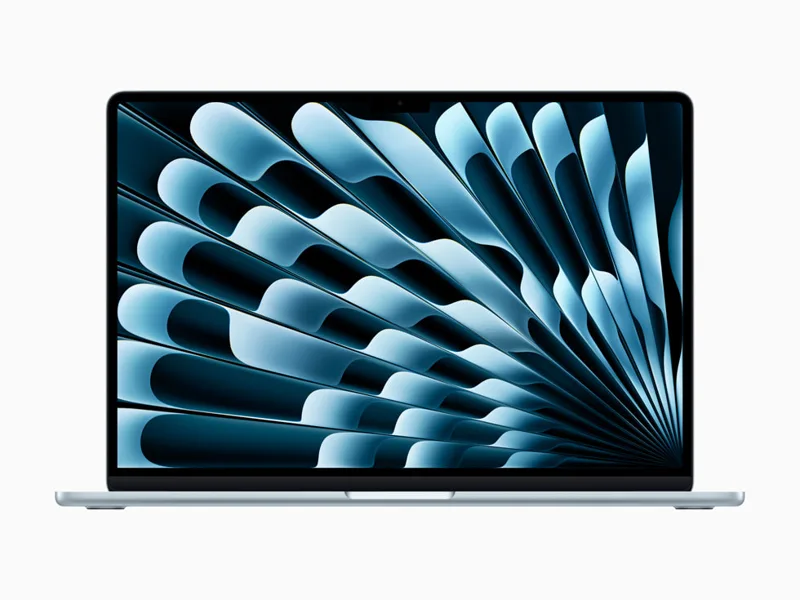
MacBook Air M5
M5 · 8/10 GPU cores · 16/24/32 GB
↓ -3.5% FPS vs the MacBook Pro M3 Pro
- 1080p
- 139
- 1440p
- 95
- 4K
- 50
Mac mini M4
M4 · 10 GPU cores · 16/24/32 GB
↓ -2.9% FPS vs the MacBook Air M5
- 1080p
- 135
- 1440p
- 91
- 4K
- 48
MacBook Pro M4
M4 · 10 GPU cores · 16/24/32 GB
↓ -0.7% FPS vs the Mac mini M4
- 1080p
- 134
- 1440p
- 90
- 4K
- 47
MacBook Pro M3
M3 · 10 GPU cores · 8/16/24 GB
↓ -12.7% FPS vs the MacBook Pro M4
- 1080p
- 117
- 1440p
- 76
- 4K
- 39

iMac M4
M4 · 8/10 GPU cores · 16/24/32 GB
↓ -2.6% FPS vs the MacBook Pro M3
- 1080p
- 114
- 1440p
- 74
- 4K
- 38
Mac mini M2
M2 · 10 GPU cores · 8/16/24 GB
↓ -1.8% FPS vs the iMac M4
- 1080p
- 112
- 1440p
- 72
- 4K
- 37
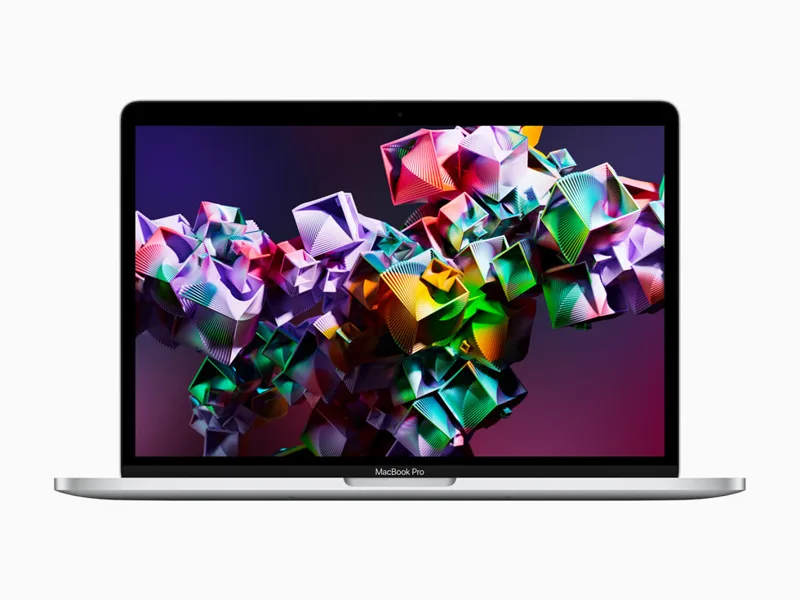
MacBook Pro M2
M2 · 10 GPU cores · 8/16/24 GB
↓ -0.9% FPS vs the Mac mini M2
- 1080p
- 111
- 1440p
- 71
- 4K
- 37
MacBook Air M4
M4 · 8/10 GPU cores · 16/24/32 GB
↓ -1.8% FPS vs the MacBook Pro M2
- 1080p
- 109
- 1440p
- 70
- 4K
- 36
iMac M3
M3 · 8/10 GPU cores · 8/16/24 GB
↓ -11% FPS vs the MacBook Air M4
- 1080p
- 97
- 1440p
- 62
- 4K
- 32
MacBook Air M3
M3 · 8/10 GPU cores · 8/16/24 GB
↓ -4.1% FPS vs the iMac M3
- 1080p
- 93
- 1440p
- 59
- 4K
- 30
MacBook Air M2
M2 · 8/10 GPU cores · 8/16/24 GB
↓ -6.5% FPS vs the MacBook Air M3
- 1080p
- 87
- 1440p
- 55
- 4K
- 28
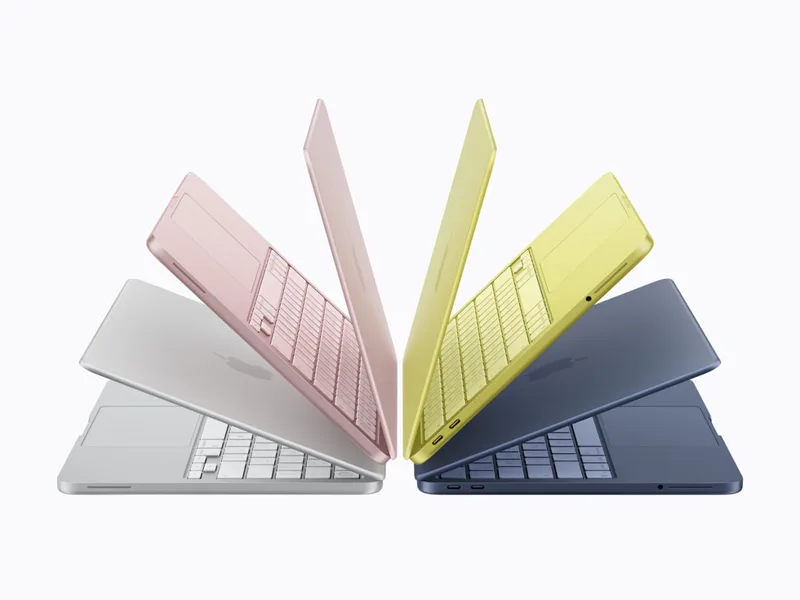
MacBook Neo
A18 Pro · 5 GPU cores · 8 GB
Not supported: needs Apple M2 or better
Mac Studio M1 Ultra
M1 Ultra · 48/64 GPU cores · 64/128 GB
Not supported: needs Apple M2 or better
Mac Studio M1 Max
M1 Max · 24/32 GPU cores · 32/64 GB
Not supported: needs Apple M2 or better
MacBook Pro M1 Max
M1 Max · 24/32 GPU cores · 32/64 GB
Not supported: needs Apple M2 or better
MacBook Pro M1 Pro
M1 Pro · 14/16 GPU cores · 16/32 GB
Not supported: needs Apple M2 or better
iMac M1
M1 · 7/8 GPU cores · 8/16 GB
Not supported: needs Apple M2 or better
MacBook Pro M1
M1 · 8 GPU cores · 8/16 GB
Not supported: needs Apple M2 or better
Mac mini M1
M1 · 8 GPU cores · 8/16 GB
Not supported: needs Apple M2 or better
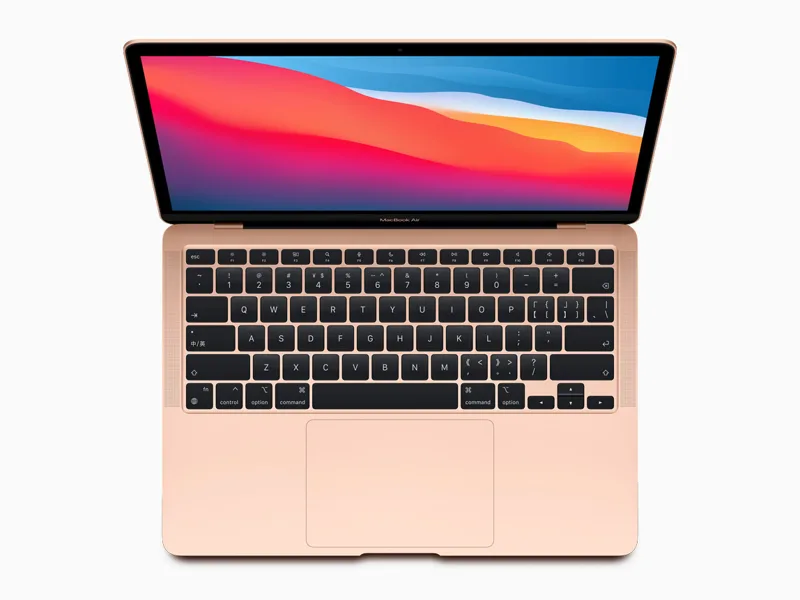
MacBook Air M1
M1 · 7/8 GPU cores · 8/16 GB
Not supported: needs Apple M2 or better
Which Mac do you need for World of Warcraft?
For 30 FPS at 1080p High, the least powerful Mac that gets there is the MacBook Air M2 (Apple M2), at about 87 FPS.
For 60 FPS at 1080p High, the least powerful Mac that gets there is the MacBook Air M2 (Apple M2), at about 87 FPS.
For 60 FPS at 1440p High, the least powerful Mac that gets there is the iMac M3 (Apple M3), at about 62 FPS.
For 60 FPS at 4K High, the least powerful Mac that gets there is the MacBook Pro M5 (Apple M5), at about 64 FPS.
If you are buying a new Mac to play World of Warcraft, the most modest current model that clears 60 FPS at 1080p is the MacBook Air M5.
Official Mac requirements
- Minimum
- macOS 12 · Apple M2 · 8 GB memory · 128 GB SSD storage · Apple M1 is no longer supported
- Recommended
- macOS 15 · Apple M4 · 16 GB memory
World of Warcraft on Mac: FAQ
Does World of Warcraft run on an M1 Mac?
No. World of Warcraft needs at least an Apple M2.
How much memory does World of Warcraft need on Mac?
It asks for at least 8 GB of unified memory. On Apple Silicon that memory is also video memory, so more headroom keeps it steadier.
Which Mac do I need for World of Warcraft at 60 FPS?
At 1080p High, from the MacBook Air M2 (about 87 FPS). At 1440p, from the iMac M3.
Is World of Warcraft native to Apple Silicon?
Yes, it has a native Apple Silicon version sold on Battle.net.