The best Mac for gaming in 2026: which one to buy for your games
Updated October 1, 2026 · The MacGameFPS team · how we calculate FPS
Quick answer
The best Mac for gaming is the Mac Studio M5 Ultra, averaging 150 FPS at 1440p High. For a laptop, get the MacBook Pro M5 Max. To play at home for less, a Mac mini with a Pro chip, and for occasional gaming, a MacBook Air with 16 GB or more. What matters most, in order: the chip’s GPU, memory, and whether it has a fan.
We don’t trust synthetic scores: these Macs are picked by their average FPS across the 35 games we track, from a formula calibrated against real measurements. Only the last two generations (M5 and M6), the ones on sale today, are considered.
Our picks
1. Best Mac for gaming
Mac Studio (M5 Ultra)
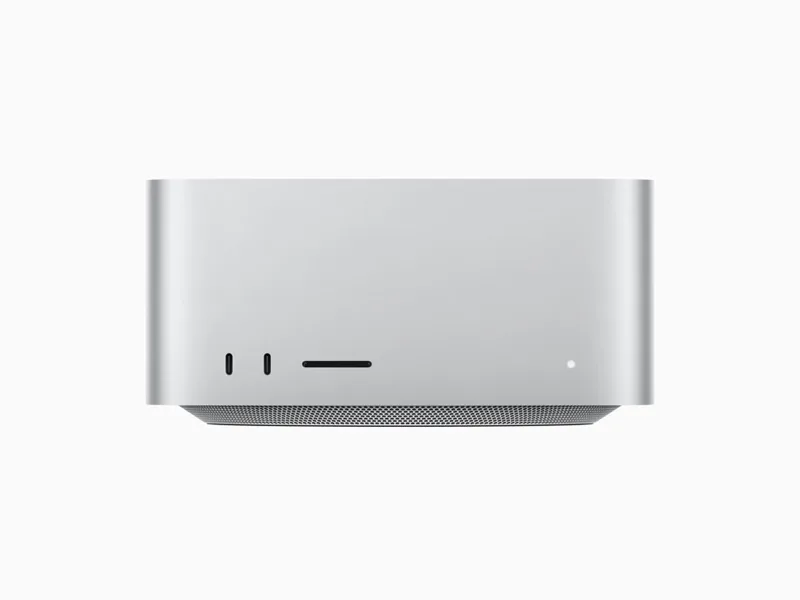
157
FPS at 1080p
150
FPS at 1440p
123
FPS at 4K
High, no MetalFX · 35 of 35 games at 60+ FPS at 1080p · Apple M5 Ultra, 64-core GPU, from 96 GB · fan-cooled
It delivers the most FPS in the most demanding games and is the one that handles 4K comfortably.
Best for: Anyone who wants 1440p or 4K on high settings with no compromises.
Keep in mind: It is the priciest option, and much of its power only pays off on high-resolution displays.
How it runs demanding games (1080p High):
See Mac Studio M5 Ultra FPS in all 35 games →2. Best gaming laptop
MacBook Pro 14"/16" (M5 Max)
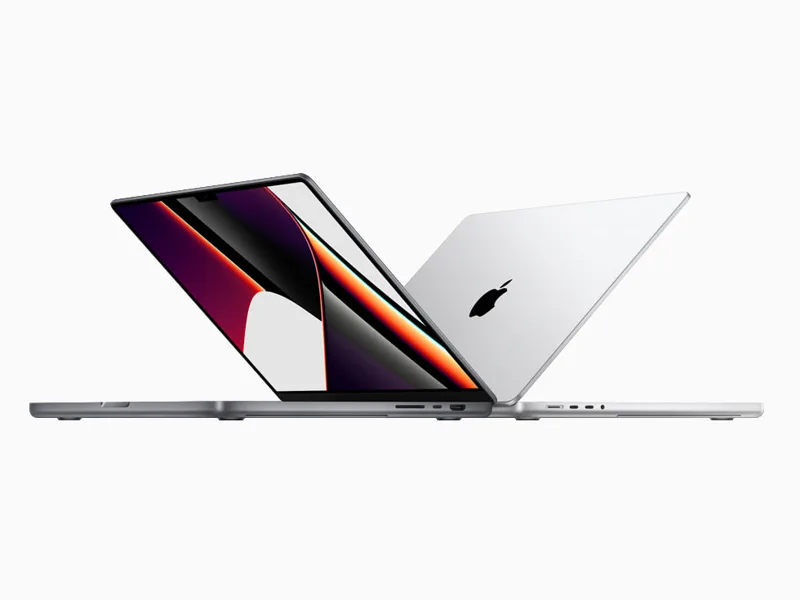
146
FPS at 1080p
127
FPS at 1440p
82
FPS at 4K
High, no MetalFX · 34 of 35 games at 60+ FPS at 1080p · Apple M5 Max, 32-core GPU, from 36 GB · fan-cooled
A Max chip with a fan: it sustains performance in long sessions.
Best for: Serious players who need to take their machine with them.
Keep in mind: Performance drops on low battery; plug it in to play.
How it runs demanding games (1080p High):
See MacBook Pro M5 Max FPS in all 35 games →3. Best-value desktop
Mac mini (M5 Pro)
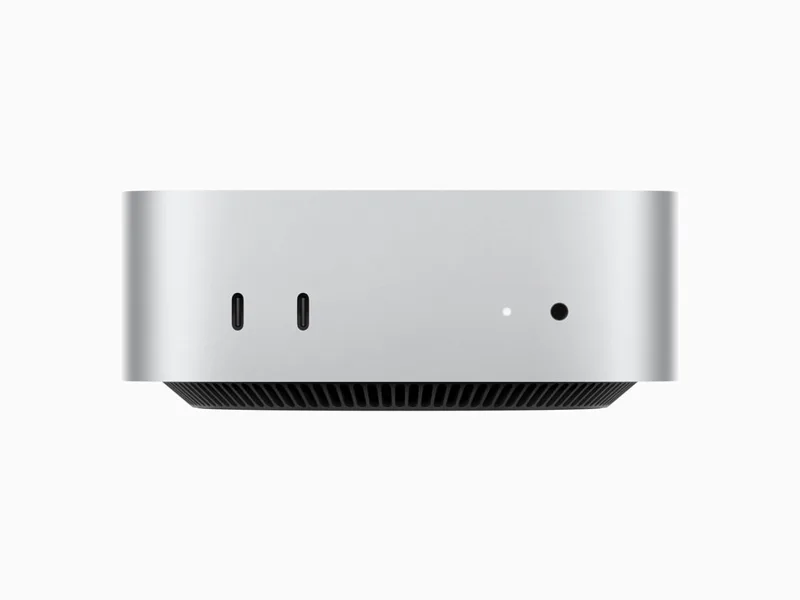
123
FPS at 1080p
90
FPS at 1440p
49
FPS at 4K
High, no MetalFX · 32 of 35 games at 60+ FPS at 1080p · Apple M5 Pro, 16-core GPU, from 24 GB · fan-cooled
A Pro-chip Mac mini games like far pricier laptops, with a fan and no display or battery to pay for.
Best for: Anyone who plays at home with their own monitor, keyboard and controller.
Keep in mind: Budget for a monitor. The base-chip Mac mini is much slower: make sure you get the Pro.
How it runs demanding games (1080p High):
See Mac mini M5 Pro FPS in all 35 games →4. Best MacBook Air for gaming
MacBook Air 13"/15" (M5)
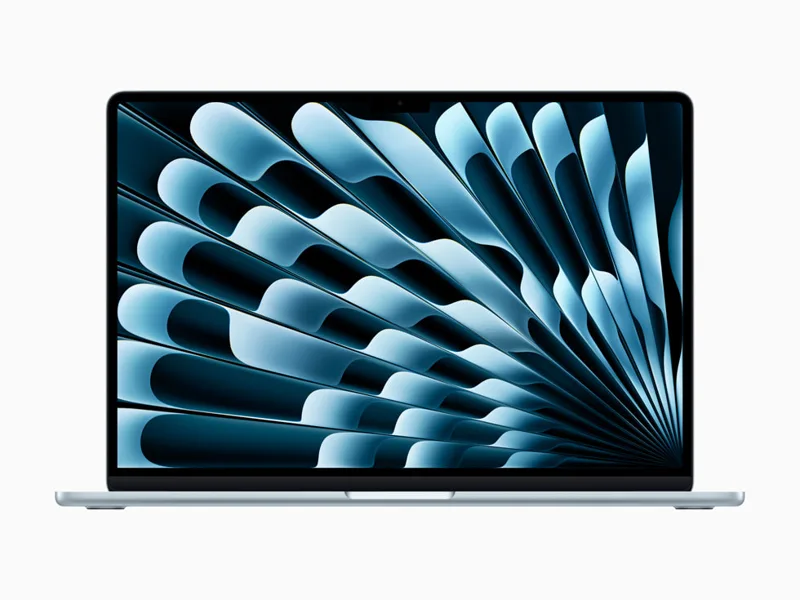
75
FPS at 1080p
48
FPS at 1440p
25
FPS at 4K
High, no MetalFX · 22 of 35 games at 60+ FPS at 1080p · Apple M5, 8-core GPU, from 16 GB · fanless
The lightest, quietest laptop: it plays at 1080p and, with MetalFX, handles demanding games too.
Best for: Occasional players who want a light laptop for everything else.
Keep in mind: It has no fan: long sessions of demanding games make it throttle and lose FPS.
How it runs demanding games (1080p High):
See MacBook Air M5 FPS in all 35 games →Which Macs to avoid for gaming
The MacBook Neo uses an iPhone chip and runs 28 of the 35 games we track, averaging 31 FPS at 1080p. Also avoid any Mac with 8 GB of memory: many current games will not launch, and memory cannot be upgraded. See the MacBook Neo
Current Macs for gaming at a glance
Average FPS on High, no MetalFX. Sorted by 1440p.
| Mac | Fan | 1080p | 1440p | 4K | Games at 60+ |
|---|---|---|---|---|---|
| Mac Studio M5 Ultra | Yes | 157FPS | 150FPS | 123FPS | 35 / 35 |
| Mac Studio M5 Max | Yes | 147FPS | 128FPS | 84FPS | 34 / 35 |
| MacBook Pro M5 Max | Yes | 146FPS | 127FPS | 82FPS | 34 / 35 |
| Mac mini M5 Pro | Yes | 123FPS | 90FPS | 49FPS | 32 / 35 |
| MacBook Pro M5 Pro | Yes | 121FPS | 89FPS | 48FPS | 32 / 35 |
| Mac mini M6 | Yes | 108FPS | 74FPS | 39FPS | 29 / 35 |
| MacBook Pro M5 | Yes | 94FPS | 62FPS | 32FPS | 27 / 35 |
| MacBook Air M5 | No | 75FPS | 48FPS | 25FPS | 22 / 35 |
See the full ranking of all 40 Macs, including M1, M2 and M3 →
Which Mac do you need for each game?
The least powerful current Mac that reaches each target at 1080p High.
How to choose a Mac for gaming
1. The chip’s GPU: base, Pro or Max
It drives FPS more than anything else. Within a generation, a Pro chip has roughly twice the GPU cores of the base chip, and a Max twice the Pro. A previous-generation Pro chip usually games better than a new base chip.
2. Memory: 16 GB at least
On Apple Silicon memory is shared between the system and the GPU, and it cannot be upgraded later. 16 GB runs every game we track; 24 GB or more leaves room for future releases and for gaming with other apps open.
3. Cooling: fanless Air vs Pro and Mac mini
The MacBook Air has no fan. In short sessions it matches a Pro with the same chip, but in long sessions of demanding games it throttles. If you often play AAA games, a MacBook Pro or Mac mini gets more out of the same chip.
4. Resolution and MetalFX
Mac displays are high-resolution, but you do not have to play at native resolution. MetalFX, Apple’s upscaler, renders at a lower resolution and upscales the image: in supported games it adds 25% to 70% more FPS. With it, a mid-range Mac plays comfortably at 1440p. Guides to boost FPS on Mac
Mac or PC for gaming?
At the same price, a PC with a dedicated graphics card delivers more FPS and has a far larger game library. A Mac makes sense if you will use it for work or study anyway and the games you care about have native versions: titles like Cyberpunk 2077, Baldur’s Gate 3 and Resident Evil 4 run well today. Before buying, check in the calculator that your games run on the Mac you are considering.
Torn between two of them?
FAQ
What is the best Mac for gaming in 2026?
The Mac Studio M5 Ultra: 150 FPS on average at 1440p High across the 35 games we track. If you need a laptop, the MacBook Pro M5 Max (127 FPS at 1440p).
Is a Mac worth buying for gaming?
Yes, if the games you want have a Mac version: all 35 games we track run on Apple Silicon and many reach 60 FPS. No, if you mostly play competitive shooters or anti-cheat titles with no macOS version: a PC is still the answer there.
Is a MacBook Air good for gaming?
Yes, at 1080p. The MacBook Air M5 averages 75 FPS at 1080p High and runs 22 of the 35 games at 60 FPS or more. With no fan, it runs a little slower in long sessions of demanding games.
How much memory do I need in a Mac for gaming?
16 GB at least, and 24 GB for headroom over the next few years. 5 of the 35 games we track ask for 16 GB or more, and Mac memory cannot be upgraded later.
Is a used M1 or M2 Mac worth it for gaming?
For lighter or strategy games, yes. The MacBook Air M1 averages 29 FPS at 1080p and runs 31 of the 35 games; some recent releases already require a newer chip. For demanding games, a Pro chip or a recent generation pays off.
Which Mac do I need for 4K gaming?
A Max chip or higher. Among current Macs, 3 models average 60 FPS or more at 4K High. With the rest, play at 1440p or turn on MetalFX.