How many FPS does Myst get on the iMac M1? 1080p, 1440p and 4K performance
24FPS
1080p High
Estimate
15
1440p
8
4K
About 24 FPS at 1080p on High: Myst runs natively on the iMac M1 (Apple M1, 7-core GPU, 8 GB). That is on the edge, but it is playable with lower settings. For 30 FPS, use 1080p Low (about 34 FPS).
Data reviewed October 1, 2026 · how we calculate it
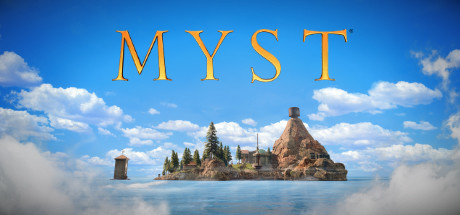
 Affiliate link
Don't have Myst yet?
Official Steam key that also activates on Mac. Cheaper on Eneba.
Play in your browser — no downloads, no sign-up.

Coin Crest
Play free →
Kaboom Blocks
Play free →

Balcony Splash
Play free →
Nara and the Forest Roots
Play free →

Hexalia
Play free →

Héroes de Éter
Play free →

King's Towers
Play free →

Snake Odyssey
Play free →
Chess
Play free →

Trivia Party
Play free →
Myst FPS on iMac M1 by resolution and quality
Estimate| Resolution | Low | Medium | High | Ultra |
|---|---|---|---|---|
| 1080p | 34FPS | 29FPS | 24FPS | 20FPS |
| 1440p | 21FPS | 18FPS | 15FPS | 12FPS |
| 4K | 11FPS | 9FPS | 8FPS | 6FPS |
Estimated average in normal gameplay with the game and macOS up to date. Green: 60+ · lime: 45+ · amber: 30+ · orange: 20+ · red: under 20.
Recommended settings
For 60 FPS
Not reached even on Low at 1080p, nor with MetalFX.
For 30 FPS
1080p · Low
≈ 34 FPS
Moving to 1440p High puts the iMac M1 at about 15 FPS. This game has no MetalFX, so resolution is the setting that matters most.
The MacGameFPS verdict
Calibrated on real Mac benchmarks, not spec sheets
Is the iMac M1 enough for Myst?
It falls short: 24 FPS at 1080p High. For 30 FPS use 1080p Low.
Struggles · 1440p 15 FPS · 4K 8 FPS
iMac M1 or MacBook Neo for Myst?
In Myst at 1080p High, the iMac M1 gets 24 FPS and the MacBook Neo 24 FPS: 0% more.
iMac M1 specs
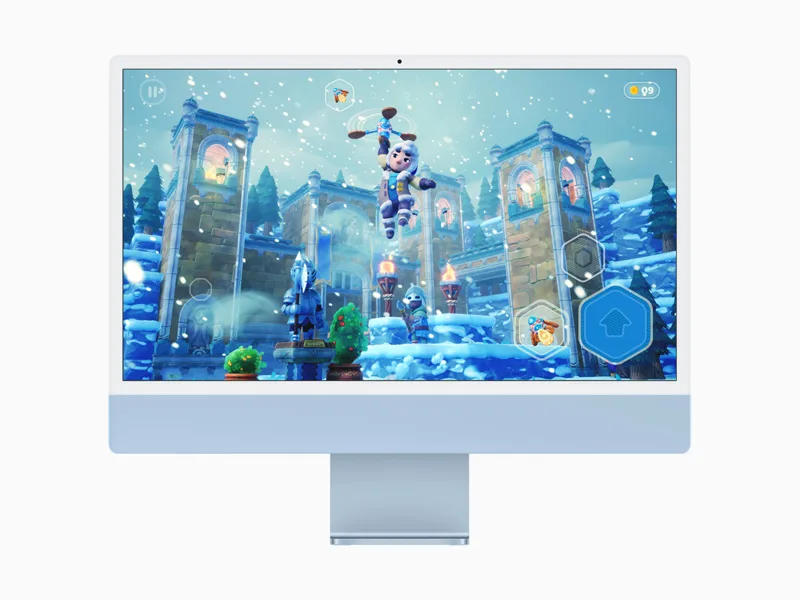
- Chip
- Apple M1
- GPU cores
- 7 / 8
- Unified memory
- 8 / 16 GB
- Cooling
- Fan
- Geekbench Metal
- 29,497
- Tier
- Entry level · 8/100
Other Macs with the M1 chip
The Apple M1 also powers the MacBook Air M1, the MacBook Pro M1, and the Mac mini M1. In Myst, the MacBook Pro M1 gets 27 FPS at 1080p High, 13% more than the iMac M1.
How much memory do you need?
On Apple Silicon the GPU shares memory with the system, so the RAM you picked when buying the Mac is also your video memory. Myst asks for 8 GB minimum.
| Memory | 1080p High | 1440p High |
|---|---|---|
| 8 GB | 24FPS | 15FPS |
| 16 GB | 24FPS | 15FPS |
Other Macs for Myst
1080p · High
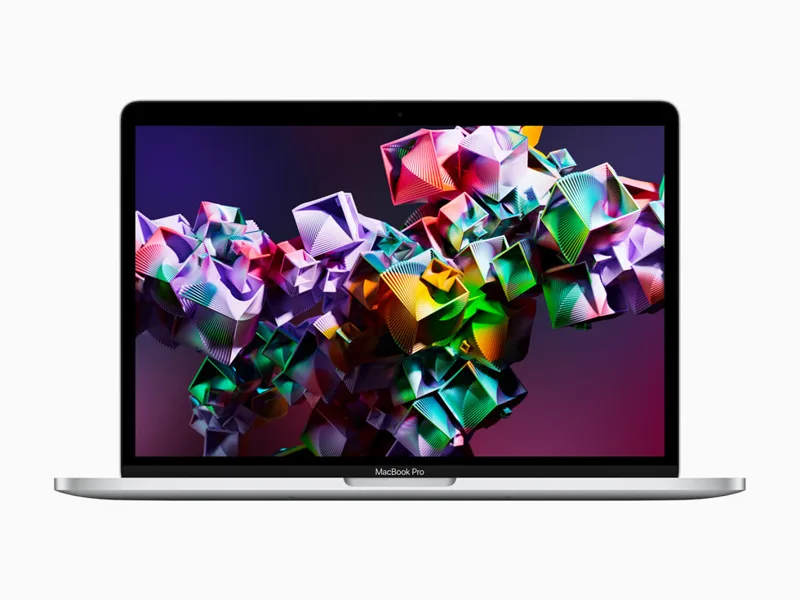
MacBook Pro M1
M1 · 8 GPU
27FPSView analysis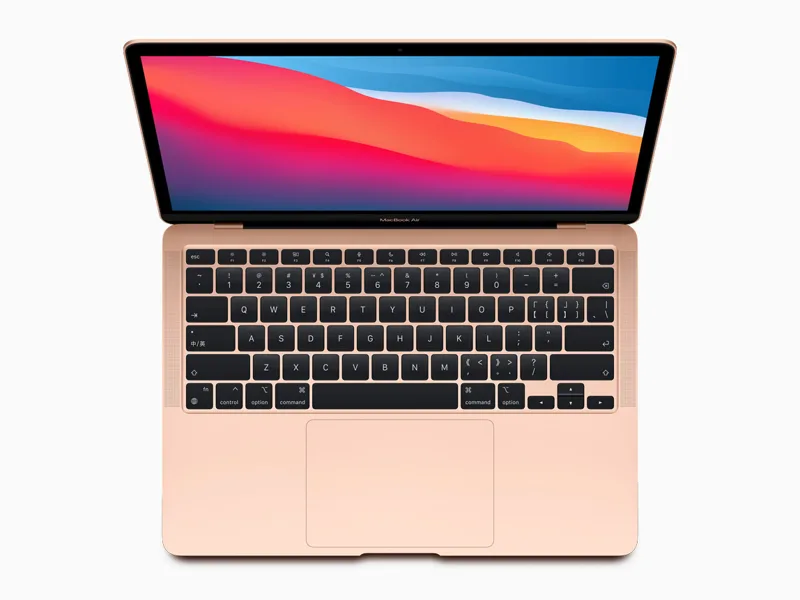
MacBook Air M1
M1 · 7/8 GPU
23FPSView analysis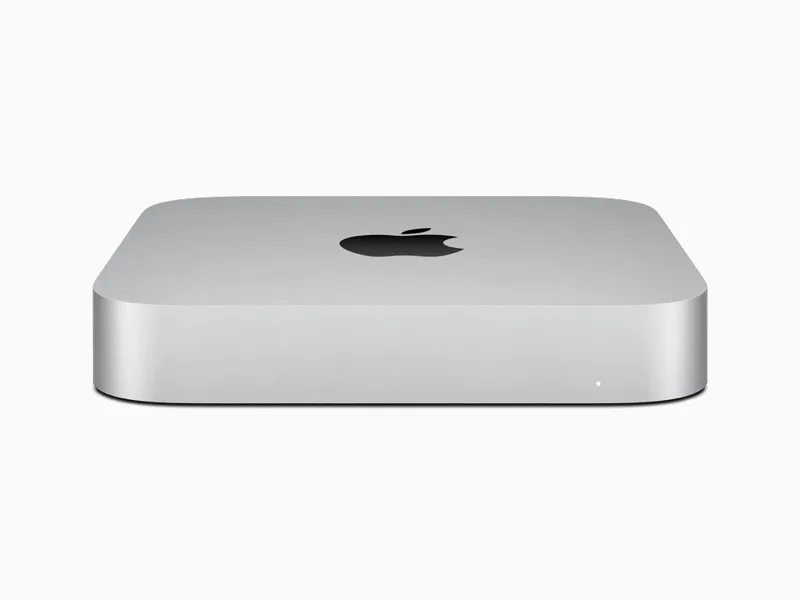
Mac mini M1
M1 · 8 GPU
27FPSView analysis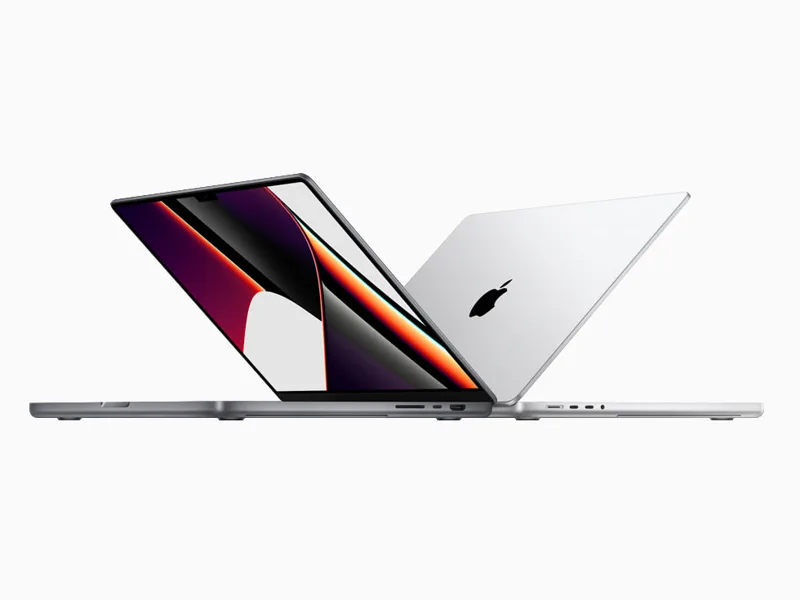
MacBook Pro M1 Pro
M1 Pro · 14/16 GPU
51FPSView analysis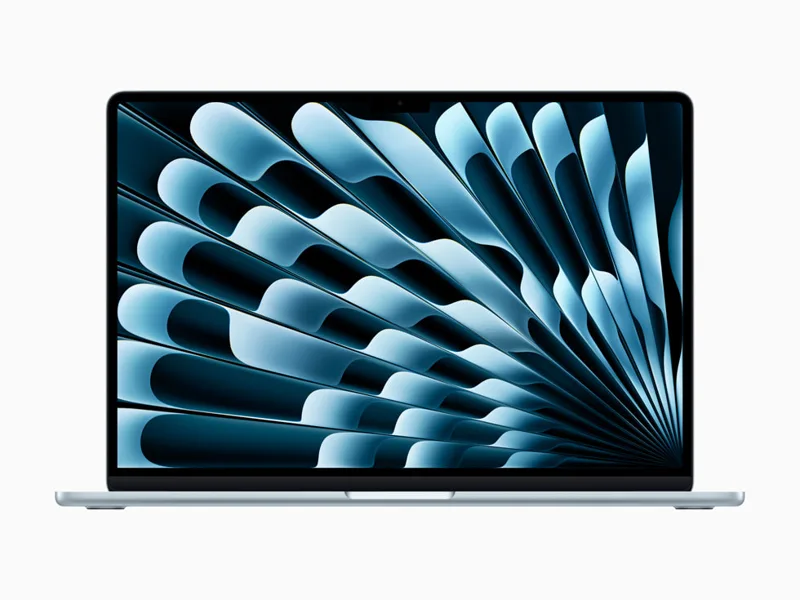
MacBook Air M2
M2 · 8/10 GPU
31FPSView analysisMac mini M2
M2 · 10 GPU
41FPSView analysis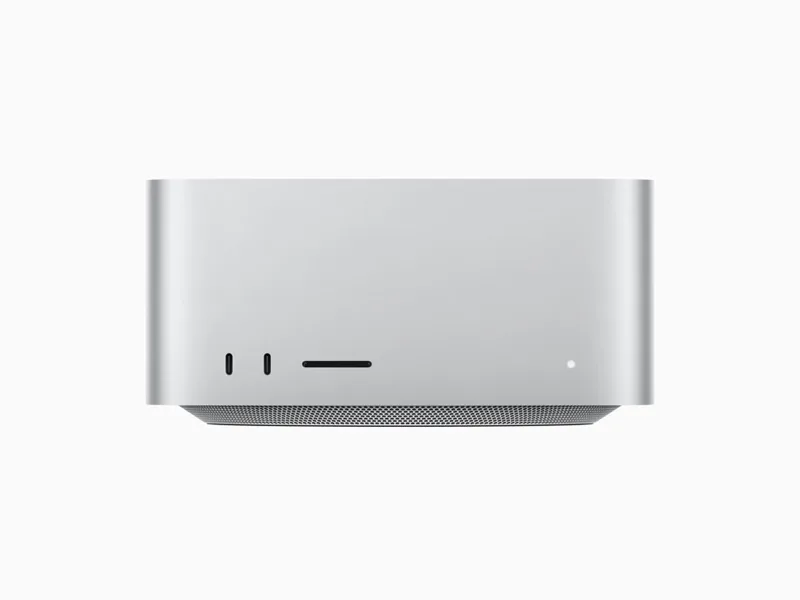
Mac Studio M1 Max
M1 Max · 24/32 GPU
89FPSView analysisMacBook Pro M2
M2 · 10 GPU
41FPSView analysis
Shopping for an all-round gaming Mac? Mac ranking by real FPS →
Other games on the iMac M1
- Death Stranding Director's Cut30FPS
- Hitman World of Assassination35FPS
- Lies of P45FPS
- Frostpunk 232FPS
- GRID Legends41FPS
- No Man's Sky32FPS
- Resident Evil 232FPS
- Resident Evil 7 biohazard32FPS
- Rise of the Tomb Raider38FPS
- XCOM 232FPS
Official Mac requirements
- Minimum
- macOS Sonoma 14.5 · Apple silicon (M-series MacBook Air) · 8 GB memory · 20 GB storage
- Recommended
- macOS Sonoma 14.5 · M-series Pro or Max · 16 GB memory · 20 GB storage
Source: store.steampowered.com
FAQ
Can the 8 GB iMac M1 run Myst?
Yes. With 8 GB we estimate 24 FPS at 1080p High.
Can Myst hit 60 FPS on the iMac M1?
Not consistently. For 30 FPS, use 1080p Low (about 34 FPS).
What about 1440p and 4K?
On High, the iMac M1 gets about 15 FPS at 1440p and about 8 FPS at 4K in Myst. These are native figures.
Do these figures include MetalFX or ray tracing?
No. The headline figure is native resolution, no MetalFX and no ray tracing. Myst has no MetalFX on Mac. Ray tracing, where a game offers it, costs a lot of FPS on any Mac.
Is Myst native on Apple Silicon?
Yes, it has a native Apple Silicon version, available on Steam and the Mac App Store. No CrossOver, Parallels or Game Porting Toolkit needed.