
How many FPS does Palworld get on the Mac Studio M5 Ultra? 1080p, 1440p and 4K performance
110–166FPS
1080p High
Provisional estimate
96–144
1440p
60–90
4K
Provisional estimate. The Apple M5 Ultra is very new and there are still few public performance tests. At MacGameFPS we start from its first published benchmarks, so these figures carry a wider margin (±20%) and we will update them as soon as reliable measurements exist.
110 to 166 FPS at 1080p on High, by MacGameFPS’s estimate: Palworld runs natively on the Mac Studio M5 Ultra (Apple M5 Ultra, 64-core GPU, 96 GB). It has headroom to spare, so you can raise resolution or quality.
Data reviewed November 1, 2026 · how we calculate it
Palworld FPS on Mac Studio M5 Ultra by resolution and quality
Provisional estimate| Resolution | Low | Medium | High | Ultra |
|---|---|---|---|---|
| 1080p | 142FPS | 140FPS | 138FPS | 137FPS |
| 1440p | 135FPS | 128FPS | 120FPS | 117FPS |
| 4K | 98FPS | 84FPS | 75FPS | 71FPS |
Central estimate (±20% margin). Green: 60+ · lime: 45+ · amber: 30+ · orange: 20+ · red: under 20.
Palworld with the Mac Studio M5 Ultra on your monitor
- On a 1440p monitor (2560×1440): at native resolution on High it runs at 96–144 FPS. It already clears 60 FPS as is.
- On a 4K monitor (3840×2160): at native resolution on High it runs at 60–90 FPS. It already clears 60 FPS as is.
What limits Palworld FPS on the Mac Studio M5 Ultra
Here the game itself sets the limit: Palworld hits its ceiling before the Mac Studio M5 Ultra's GPU does, so lowering quality barely adds FPS; moving to 1440p does cost about 13%.
- GPU: 64 cores (Apple M5 Ultra).
- Game ceiling: at 1080p High, the Mac Studio M5 Ultra runs 38% below what its GPU would allow.
Recommended settings
For 60 FPS
1440p · Ultra
94–140 FPS
For 30 FPS
4K · Ultra
57–85 FPS
Moving to 1440p High puts the Mac Studio M5 Ultra at 96–144 FPS; with MetalFX Quality, 106–160 FPS.
In Palworld, this is what weighs most on the Mac Studio M5 Ultra:
- View distance
- Grass and foliage
- Shadows
- Effects quality
Performance with MetalFX
Mac Studio M5 Ultra FPS in Palworld with each MetalFX mode, on High with 96 GB.
| Resolution | Native | Quality | Balanced | Performance |
|---|---|---|---|---|
| 1080p | 138FPS | 142FPS | 142FPS | 143FPS |
| 1440p | 120FPS | 133FPS | 136FPS | 139FPS |
| 4K | 75FPS | 93FPS | 101FPS | 110FPS |
Central value of each estimate (±20% margin): that is why 1080p Native reads 110–166 FPS above and its midpoint here. All figures are without ray tracing; the real MetalFX gain varies by game and version.
The MacGameFPS verdict
Calibrated on real Mac benchmarks, not spec sheets
Is the Mac Studio M5 Ultra enough for Palworld?
Yes, comfortably: 110–166 FPS at 1080p High. You can move to 1440p (96–144 FPS) or your display’s native resolution.
Excellent · 1440p 96–144 FPS · 4K 60–90 FPS
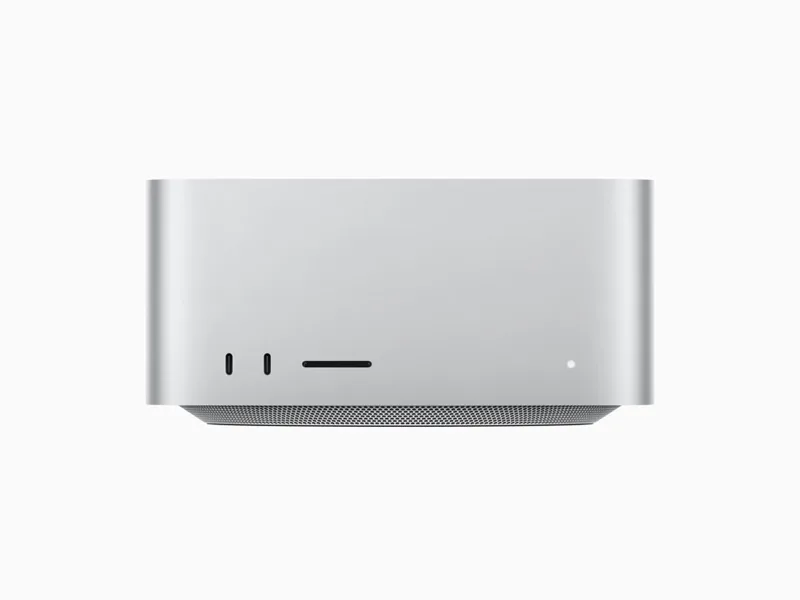
Mac Studio M5 Ultra specs
- Chip
- Apple M5 Ultra
- GPU cores
- 64 / 80
- Unified memory
- 96 / 256 / 512 GB
- Cooling
- Fan
- Geekbench Metal
- 323,260
- Tier
- Enthusiast · 90/100
- PC equivalent
- ≈ RTX 3090 Ti
Own this Mac and this game? Send your real FPS
Other Macs for Palworld
1080p · High

MacBook Pro M5 Max
M5 Max · 32/40 GPU
115FPSView analysisMac Studio M5 Max
M5 Max · 32/40 GPU
117FPSView analysisMacBook Pro M5 Pro
M5 Pro · 16/20 GPU
78FPSView analysis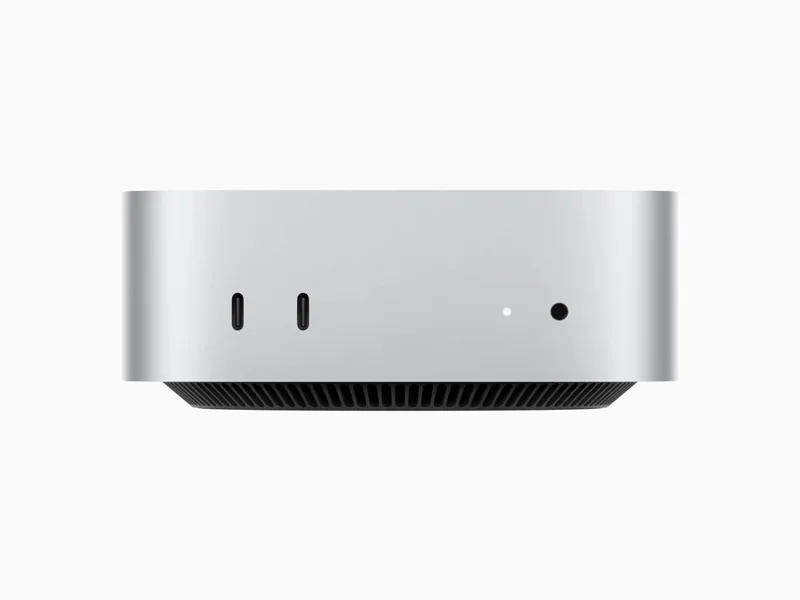
Mac mini M5 Pro
M5 Pro · 16/20 GPU
80FPSView analysis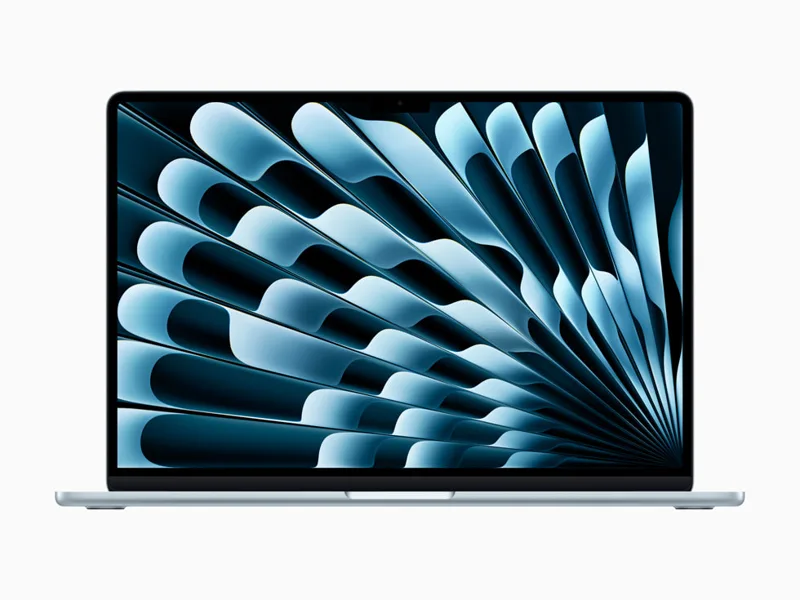
MacBook Air M5
M5 · 8/10 GPU
39FPSView analysisMacBook Pro M5
M5 · 10 GPU
55FPSView analysisMacBook Pro M4 Max
M4 Max · 32/40 GPU
103FPSView analysisMac Studio M4 Max
M4 Max · 32/40 GPU
105FPSView analysis
Shopping for an all-round gaming Mac? Mac ranking by real FPS →
Other games on the Mac Studio M5 Ultra
- Assassin's Creed Shadows57FPS
- Crimson Desert98FPS
- Cronos: The New Dawn97FPS
- Cyberpunk 2077127FPS
- Baldur's Gate 3167FPS
- Borderlands 3136FPS
- Control Ultimate Edition134FPS
- Death Stranding Director's Cut142FPS
- Hitman World of Assassination142FPS
- Lies of P143FPS
Does the Mac Studio M5 Ultra meet the requirements for Palworld?
- Chip: Apple M5 Ultra (minimum: Apple M1)
- Memory: 96 / 256 / 512 GB (minimum: 8 GB)
Buy it on the Mac App Store: the Steam copy does not include a Mac version.
FAQ
Can the 96 GB Mac Studio M5 Ultra run Palworld?
Yes. With 96 GB we estimate 110–166 FPS at 1080p High.
Can Palworld hit 60 FPS on the Mac Studio M5 Ultra?
Yes: at 1440p Ultra it runs at 94–140 FPS.