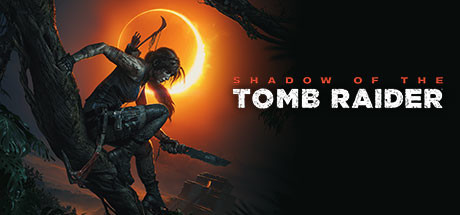
Can you play Total War: ROME II - Emperor Edition on Mac? Requirements and FPS on every model
Yes: Total War: ROME II - Emperor Edition has a native Apple Silicon version (ported by Feral Interactive) sold on Steam and the Mac App Store. It needs an Apple M1 or newer and 8 GB of unified memory. It runs on 40 of the 40 Apple Silicon Macs the MacGameFPS team tracks, and 22 of them go past 60 FPS at 1080p High.
The oldest Mac that clears 60 FPS at 1080p High is the MacBook Pro M1 Max (64–96 FPS).
Data reviewed November 1, 2026

What FPS does your Mac get in Total War: ROME II - Emperor Edition?
Pick your model, then set memory, GPU cores and MetalFX.
Mac compatibility
- Apple Silicon native
- Yes
- Store
- Steam and the Mac App Store
- Minimum chip
- Apple M1
- Minimum memory
- 8 GB
- MetalFX
- No
- Mac release
- 2025
What to know about Total War: ROME II - Emperor Edition on Mac
Feral relaunched it on 29 May 2025 as an Apple silicon-native version on Steam and the Mac App Store, free for existing owners. It requires macOS 15 and any M1 Mac or later; Feral does not mention MetalFX.
Checked by the MacGameFPS team · sources: store.steampowered.com, feralinteractive.com, feralinteractive.com, appleinsider.com
Total War: ROME II - Emperor Edition FPS by Mac chip
MacGameFPS estimate at 1080p High, no MetalFX, on the fastest Mac with each chip. Lines mark 30 and 60 FPS; lighter bars are provisional estimates.
Total War: ROME II - Emperor Edition FPS on every Mac model
EstimateMacGameFPS estimate on High, no MetalFX, on each Mac’s base configuration (with the memory the game requires). Central value, with a ±20% margin, as there are still few reliable measurements of this game on Mac. Sorted from most to fewest FPS.
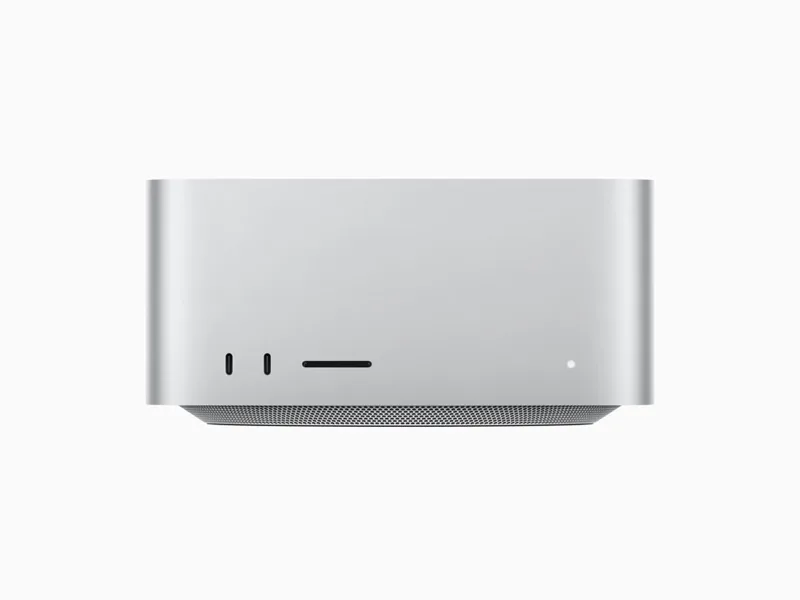
Mac Studio M5 Ultra
M5 Ultra · 64/80 GPU cores · 96/256/512 GB
Provisional estimate
- 1080p
- 155
- 1440p
- 137
- 4K
- 87
Mac Studio M3 Ultra
M3 Ultra · 60/80 GPU cores · 96/256/512 GB
↓ 12.3% FPS vs the Mac Studio M5 Ultra
- 1080p
- 136
- 1440p
- 100
- 4K
- 56
Mac Studio M5 Max
M5 Max · 32/40 GPU cores · 36/48/64/128 GB
↓ 2.2% FPS vs the Mac Studio M3 Ultra
- 1080p
- 133
- 1440p
- 97
- 4K
- 54
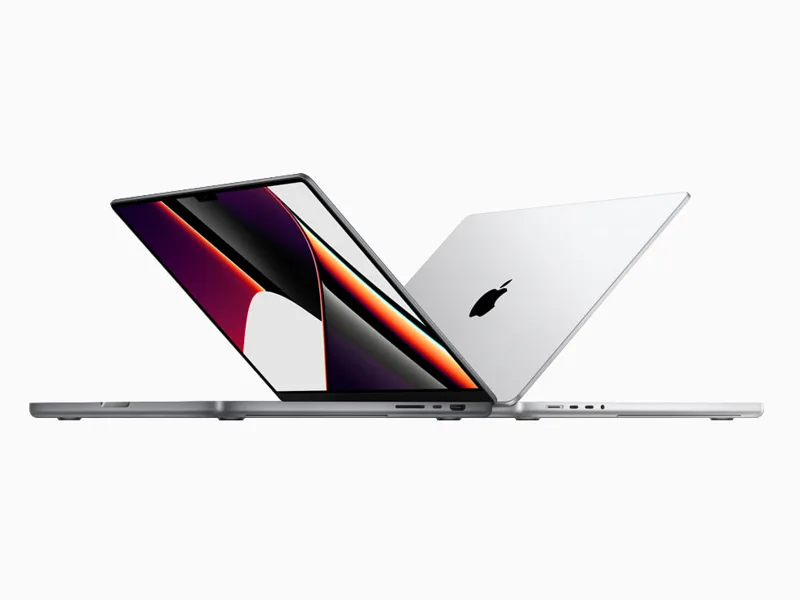
MacBook Pro M5 Max
M5 Max · 32/40 GPU cores · 36/48/64/128 GB
↓ 0.8% FPS vs the Mac Studio M5 Max
- 1080p
- 132
- 1440p
- 95
- 4K
- 53
Mac Studio M2 Ultra
M2 Ultra · 60/76 GPU cores · 64/128/192 GB
- 1080p
- 132
- 1440p
- 95
- 4K
- 53
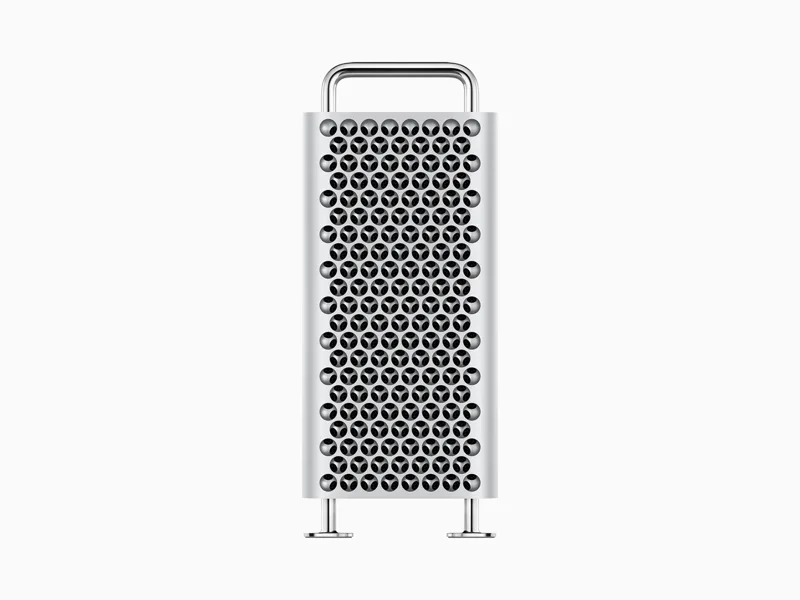
Mac Pro M2 Ultra
M2 Ultra · 60/76 GPU cores · 64/128/192 GB
- 1080p
- 132
- 1440p
- 95
- 4K
- 53
Mac Studio M4 Max
M4 Max · 32/40 GPU cores · 36/48/64/128 GB
↓ 9.1% FPS vs the Mac Pro M2 Ultra
- 1080p
- 120
- 1440p
- 83
- 4K
- 45
MacBook Pro M4 Max
M4 Max · 32/40 GPU cores · 36/48/64/128 GB
↓ 0.8% FPS vs the Mac Studio M4 Max
- 1080p
- 119
- 1440p
- 82
- 4K
- 45
Mac Studio M1 Ultra
M1 Ultra · 48/64 GPU cores · 64/128 GB
↓ 7.6% FPS vs the MacBook Pro M4 Max
- 1080p
- 110
- 1440p
- 74
- 4K
- 40
MacBook Pro M3 Max
M3 Max · 30/40 GPU cores · 36/48/64/96/128 GB
↓ 10.9% FPS vs the Mac Studio M1 Ultra
- 1080p
- 98
- 1440p
- 65
- 4K
- 35
Mac Studio M2 Max
M2 Max · 30/38 GPU cores · 32/64/96 GB
↓ 2% FPS vs the MacBook Pro M3 Max
- 1080p
- 96
- 1440p
- 63
- 4K
- 34
MacBook Pro M2 Max
M2 Max · 30/38 GPU cores · 32/64/96 GB
↓ 1% FPS vs the Mac Studio M2 Max
- 1080p
- 95
- 1440p
- 63
- 4K
- 34
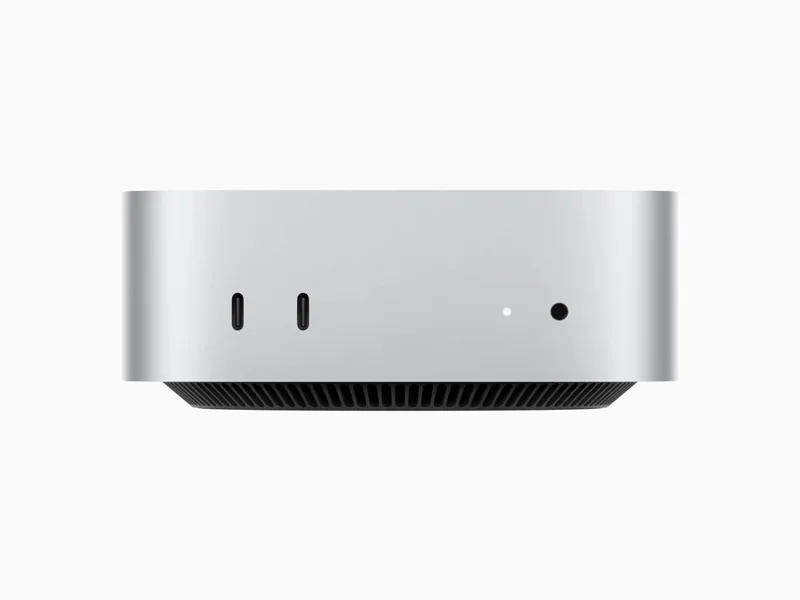
Mac mini M5 Pro
M5 Pro · 16/20 GPU cores · 24/48/64 GB
↓ 2.1% FPS vs the MacBook Pro M2 Max
- 1080p
- 93
- 1440p
- 61
- 4K
- 33
MacBook Pro M5 Pro
M5 Pro · 16/20 GPU cores · 24/36/48/64 GB
↓ 2.2% FPS vs the Mac mini M5 Pro
- 1080p
- 91
- 1440p
- 60
- 4K
- 32
Mac Studio M1 Max
M1 Max · 24/32 GPU cores · 32/64 GB
↓ 11% FPS vs the MacBook Pro M5 Pro
- 1080p
- 81
- 1440p
- 53
- 4K
- 28
MacBook Pro M1 Max
M1 Max · 24/32 GPU cores · 32/64 GB
↓ 1.2% FPS vs the Mac Studio M1 Max
- 1080p
- 80
- 1440p
- 52
- 4K
- 28
Mac mini M4 Pro
M4 Pro · 16/20 GPU cores · 24/48/64 GB
↓ 2.5% FPS vs the MacBook Pro M1 Max
- 1080p
- 78
- 1440p
- 51
- 4K
- 27
MacBook Pro M4 Pro
M4 Pro · 16/20 GPU cores · 24/48 GB
↓ 1.3% FPS vs the Mac mini M4 Pro
- 1080p
- 77
- 1440p
- 50
- 4K
- 27
Mac mini M6
M6 · 12 GPU cores · 16/24/32 GB
Provisional estimate
↓ 1.3% FPS vs the MacBook Pro M4 Pro
- 1080p
- 76
- 1440p
- 49
- 4K
- 26
MacBook Pro M5
M5 · 10 GPU cores · 16/24/32 GB
↓ 14.5% FPS vs the Mac mini M6
- 1080p
- 65
- 1440p
- 42
- 4K
- 22
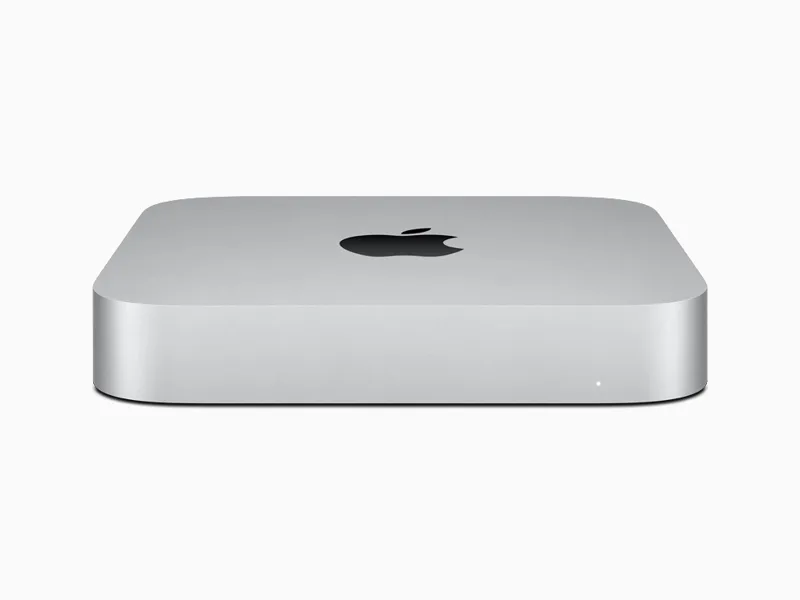
Mac mini M2 Pro
M2 Pro · 16/19 GPU cores · 16/32 GB
↓ 6.2% FPS vs the MacBook Pro M5
- 1080p
- 61
- 1440p
- 39
- 4K
- 21
MacBook Pro M2 Pro
M2 Pro · 16/19 GPU cores · 16/32 GB
↓ 1.6% FPS vs the Mac mini M2 Pro
- 1080p
- 60
- 1440p
- 39
- 4K
- 21
MacBook Pro M3 Pro
M3 Pro · 14/18 GPU cores · 18/36 GB
↓ 8.3% FPS vs the MacBook Pro M2 Pro
- 1080p
- 55
- 1440p
- 36
- 4K
- 19
Mac mini M4
M4 · 10 GPU cores · 16/24/32 GB
↓ 7.3% FPS vs the MacBook Pro M3 Pro
- 1080p
- 51
- 1440p
- 33
- 4K
- 18
MacBook Pro M4
M4 · 10 GPU cores · 16/24/32 GB
↓ 2% FPS vs the Mac mini M4
- 1080p
- 50
- 1440p
- 32
- 4K
- 17
MacBook Pro M1 Pro
M1 Pro · 14/16 GPU cores · 16/32 GB
↓ 2% FPS vs the MacBook Pro M4
- 1080p
- 49
- 1440p
- 32
- 4K
- 17
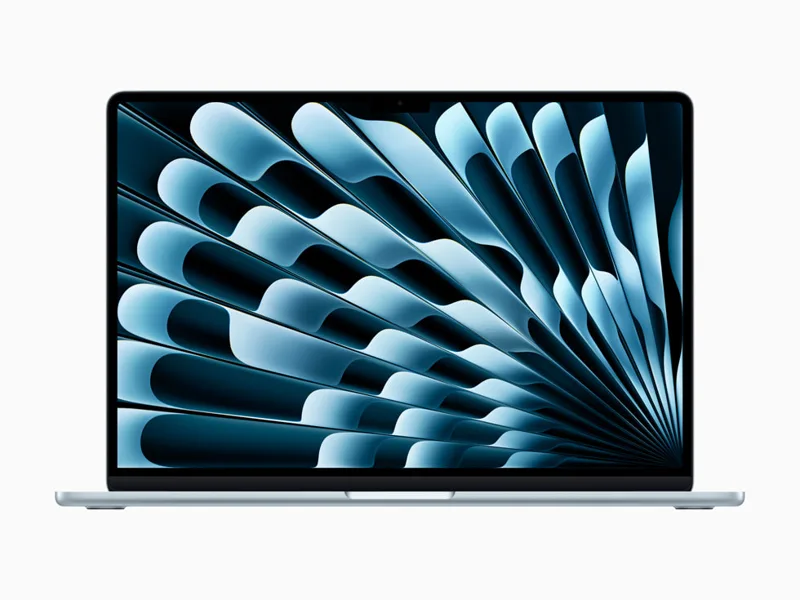
MacBook Air M5
M5 · 8/10 GPU cores · 16/24/32 GB
↓ 2% FPS vs the MacBook Pro M1 Pro
- 1080p
- 48
- 1440p
- 31
- 4K
- 17
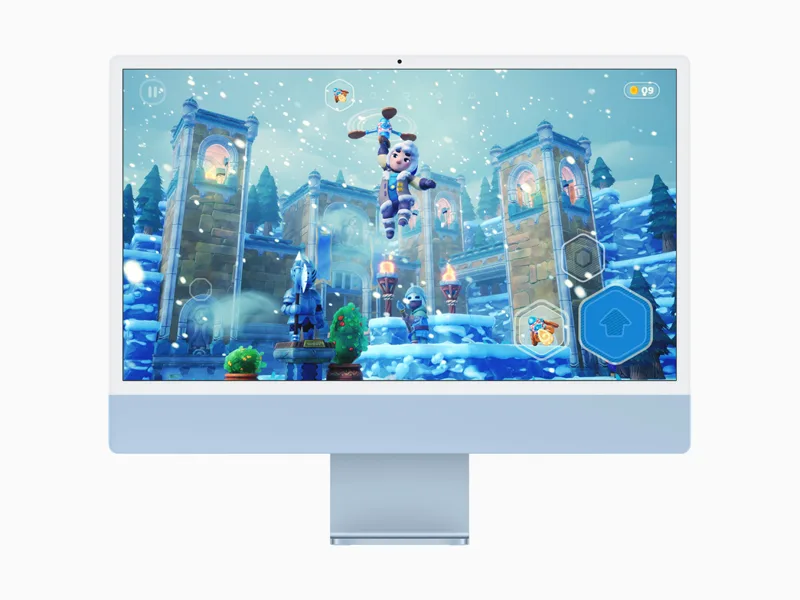
iMac M4
M4 · 8/10 GPU cores · 16/24/32 GB
↓ 12.5% FPS vs the MacBook Air M5
- 1080p
- 42
- 1440p
- 27
- 4K
- 15
MacBook Pro M3
M3 · 10 GPU cores · 8/16/24 GB
- 1080p
- 42
- 1440p
- 27
- 4K
- 15
Mac mini M2
M2 · 10 GPU cores · 8/16/24 GB
↓ 2.4% FPS vs the MacBook Pro M3
- 1080p
- 41
- 1440p
- 26
- 4K
- 14
MacBook Pro M2
M2 · 10 GPU cores · 8/16/24 GB
↓ 2.4% FPS vs the Mac mini M2
- 1080p
- 40
- 1440p
- 26
- 4K
- 14
MacBook Air M4
M4 · 8/10 GPU cores · 16/24/32 GB
↓ 7.5% FPS vs the MacBook Pro M2
- 1080p
- 37
- 1440p
- 24
- 4K
- 13
iMac M3
M3 · 8/10 GPU cores · 8/16/24 GB
↓ 5.4% FPS vs the MacBook Air M4
- 1080p
- 35
- 1440p
- 23
- 4K
- 12
MacBook Air M3
M3 · 8/10 GPU cores · 8/16/24 GB
↓ 11.4% FPS vs the iMac M3
- 1080p
- 31
- 1440p
- 20
- 4K
- 11
MacBook Air M2
M2 · 8/10 GPU cores · 8/16/24 GB
↓ 3.2% FPS vs the MacBook Air M3
- 1080p
- 30
- 1440p
- 19
- 4K
- 10
Mac mini M1
M1 · 8 GPU cores · 8/16 GB
↓ 3.3% FPS vs the MacBook Air M2
- 1080p
- 29
- 1440p
- 18
- 4K
- 10
MacBook Pro M1
M1 · 8 GPU cores · 8/16 GB
↓ 3.4% FPS vs the Mac mini M1
- 1080p
- 28
- 1440p
- 18
- 4K
- 10
iMac M1
M1 · 7/8 GPU cores · 8/16 GB
↓ 10.7% FPS vs the MacBook Pro M1
- 1080p
- 25
- 1440p
- 16
- 4K
- 9
MacBook Neo
A18 Pro · 5 GPU cores · 8 GB
↓ 8% FPS vs the iMac M1
- 1080p
- 23
- 1440p
- 15
- 4K
- 8
MacBook Air M1
M1 · 7/8 GPU cores · 8/16 GB
↓ 4.3% FPS vs the MacBook Neo
- 1080p
- 22
- 1440p
- 14
- 4K
- 8
Which Mac do you need for Total War: ROME II - Emperor Edition?
For 30 FPS at 1080p High, the least powerful Mac that gets there is the MacBook Air M2 (Apple M2), at 24–36 FPS.
For 60 FPS at 1080p High, the least powerful Mac that gets there is the Mac mini M2 Pro (Apple M2 Pro), at 49–73 FPS.
For 60 FPS at 1440p High, the least powerful Mac that gets there is the MacBook Pro M5 Pro (Apple M5 Pro), at 48–72 FPS.
No Mac reaches 60 FPS at 4K High.
If you are buying a new Mac to play Total War: ROME II - Emperor Edition, the most modest current model that clears 60 FPS at 1080p is the MacBook Pro M5.
Official Mac requirements
- Minimum
- macOS 15 or later · Apple M1 (7-core GPU) · 8 GB memory · 50 GB storage
Total War: ROME II - Emperor Edition on Mac: FAQ
Does Total War: ROME II - Emperor Edition run on an M1 Mac?
It starts, but not smoothly: a MacBook Air M1 gets 18–26 FPS at 1080p High, so you need lower quality or resolution.
How much memory does Total War: ROME II - Emperor Edition need on Mac?
It asks for at least 8 GB of unified memory. On Apple Silicon that memory is also video memory, so more headroom keeps it steadier.
Which Mac do I need for Total War: ROME II - Emperor Edition at 60 FPS?
At 1080p High, from the Mac mini M2 Pro (49–73 FPS). At 1440p, from the MacBook Pro M5 Pro.
Is Total War: ROME II - Emperor Edition native to Apple Silicon?
Yes, it has a native Apple Silicon version sold on Steam and the Mac App Store.