
How many FPS does Total War: ROME II - Emperor Edition get on the MacBook Pro M3 Pro? 1080p, 1440p and 4K performance
44–66FPS
1080p High
MacGameFPS estimate
29–43
1440p
15–23
4K
44 to 66 FPS at 1080p on High, by MacGameFPS’s estimate: Total War: ROME II - Emperor Edition runs natively on the MacBook Pro M3 Pro (Apple M3 Pro, 14-core GPU, 18 GB). It plays smoothly.
Data reviewed November 1, 2026 · how we calculate it
Total War: ROME II - Emperor Edition FPS on MacBook Pro M3 Pro by resolution and quality
Estimate| Resolution | Low | Medium | High | Ultra |
|---|---|---|---|---|
| 1080p | 75FPS | 63FPS | 55FPS | 52FPS |
| 1440p | 49FPS | 40FPS | 36FPS | 34FPS |
| 4K | 26FPS | 22FPS | 19FPS | 18FPS |
Central estimate (±20% margin). Green: 60+ · lime: 45+ · amber: 30+ · orange: 20+ · red: under 20.
Playing Total War: ROME II - Emperor Edition on the MacBook Pro M3 Pro's own screen
- 14" MacBook Pro (3024×1964): at native resolution on High it runs at 20–30 FPS. For 60 FPS: 1512×982 on High (57–85 FPS).
- 16" MacBook Pro (3456×2234): at native resolution on High it runs at 20–30 FPS. For 60 FPS: 1728×1117 on High (58–86 FPS).
Half the width and height scales cleanly: each game pixel maps to exactly four screen pixels.
What limits Total War: ROME II - Emperor Edition FPS on the MacBook Pro M3 Pro
The GPU sets the pace: in Total War: ROME II - Emperor Edition, the MacBook Pro M3 Pro's FPS grow almost in step with graphics power, so resolution and quality are the settings that matter most.
- GPU: 14 cores (Apple M3 Pro). The 18-core configuration adds 24% in Total War: ROME II - Emperor Edition.
On battery
Figures are plugged in. On battery, turn off Low Power Mode, which clearly lowers FPS, and expect Total War: ROME II - Emperor Edition to drain the battery far faster than normal use.
Recommended settings
For 60 FPS
1080p · Medium
50–76 FPS
For 30 FPS
1440p · Ultra
27–41 FPS
Moving to 1440p High puts the MacBook Pro M3 Pro at 29–43 FPS.
If you raise quality on the MacBook Pro M3 Pro, watch these settings: they cost the most FPS in Total War: ROME II - Emperor Edition.
- Unit size
- Shadows
- Screen space ambient occlusion (SSAO)
- Grass and tree detail
The MacGameFPS verdict
Calibrated on real Mac benchmarks, not spec sheets
Is the MacBook Pro M3 Pro enough for Total War: ROME II - Emperor Edition?
Yes: 44–66 FPS at 1080p High is smooth. At 1440p it drops to 29–43 FPS.
Smooth · 1440p 29–43 FPS · 4K 15–23 FPS
MacBook Pro M3 Pro or MacBook Pro M5 for Total War: ROME II - Emperor Edition?
In Total War: ROME II - Emperor Edition at 1080p High, the MacBook Pro M3 Pro gets 44–66 FPS and the MacBook Pro M5 52–78 FPS: 18% more.
MacBook Pro M3 Pro specs

- Chip
- Apple M3 Pro
- GPU cores
- 14 / 18
- Unified memory
- 18 / 36 GB
- Cooling
- Fan
- Geekbench Metal
- 66,120
- Tier
- Mid range · 18/100
Own this Mac and this game? Send your real FPS
Other Macs for Total War: ROME II - Emperor Edition
1080p · High
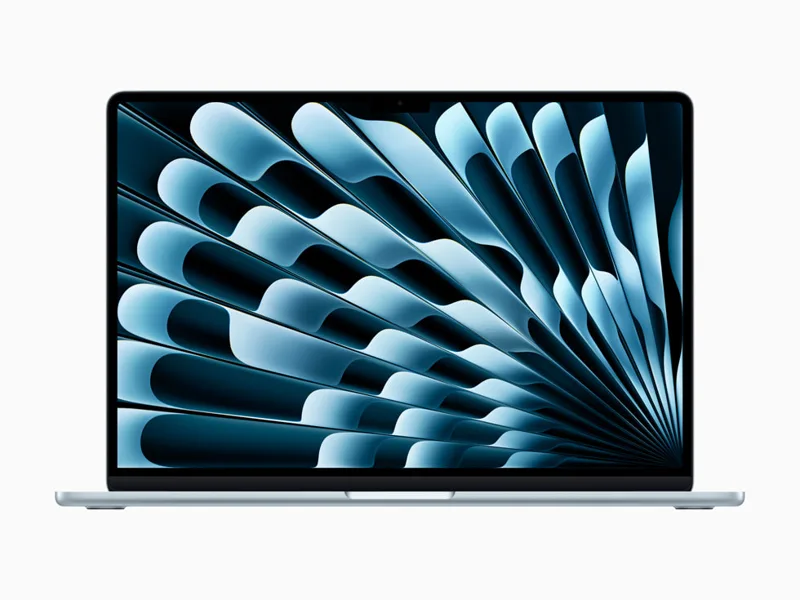
MacBook Air M3
M3 · 8/10 GPU
31FPSView analysisMacBook Pro M3 Max
M3 Max · 30/40 GPU
98FPSView analysisMacBook Pro M3
M3 · 10 GPU
42FPSView analysis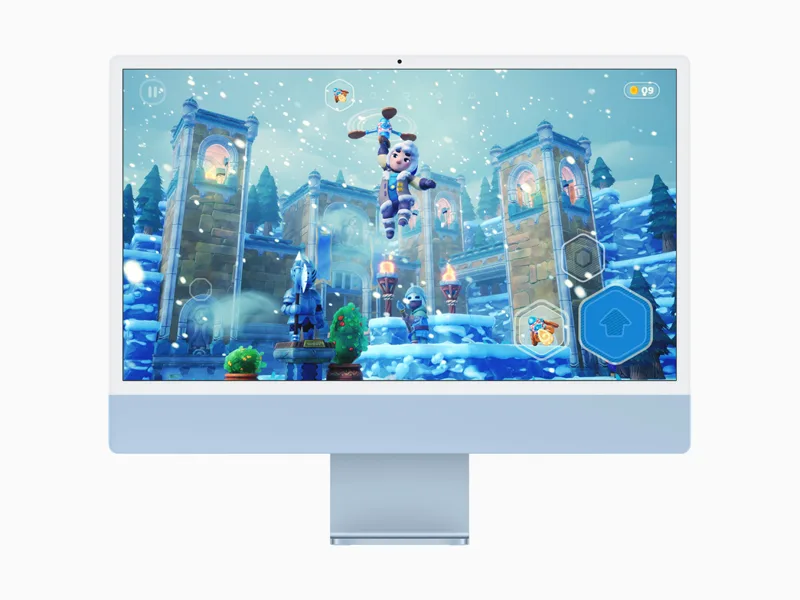
iMac M3
M3 · 8/10 GPU
35FPSView analysisMacBook Pro M4 Pro
M4 Pro · 16/20 GPU
77FPSView analysis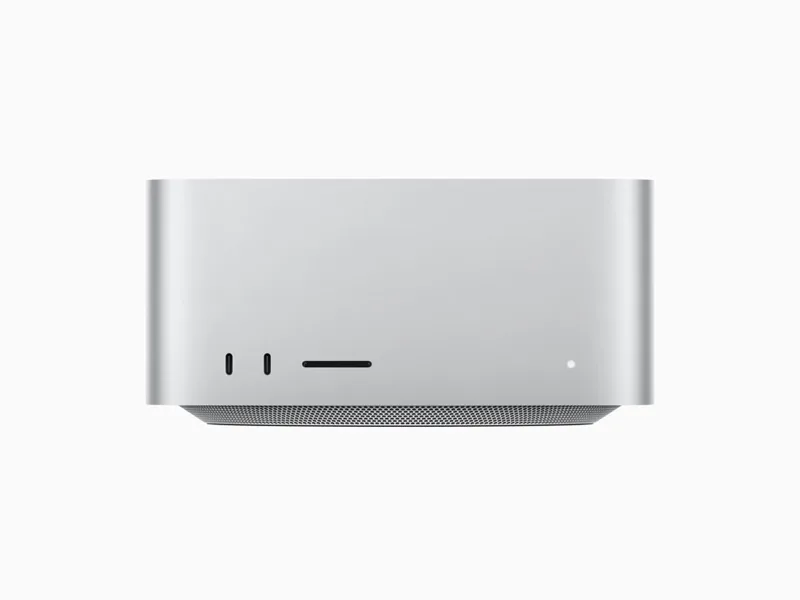
Mac Studio M3 Ultra
M3 Ultra · 60/80 GPU
136FPSView analysis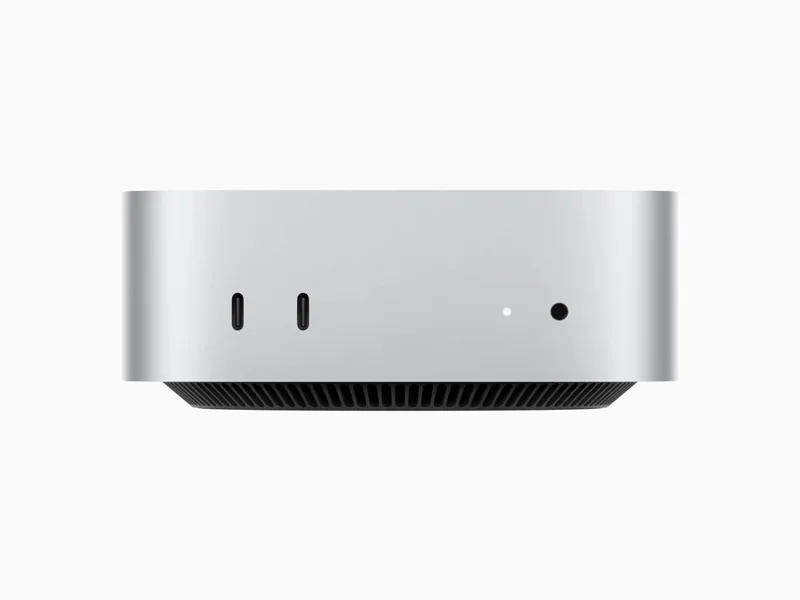
Mac mini M4 Pro
M4 Pro · 16/20 GPU
78FPSView analysis
Mac mini M2 Pro
M2 Pro · 16/19 GPU
61FPSView analysis
Total War: ROME II - Emperor Edition on every Mac →
Shopping for an all-round gaming Mac? Mac ranking by real FPS →
Other games on the MacBook Pro M3 Pro
- Cyberpunk 207735FPS
- Baldur's Gate 340FPS
- Borderlands 344FPS
- Control Ultimate Edition40FPS
- Death Stranding Director's Cut63FPS
- Hitman World of Assassination65FPS
- Lies of P71FPS
- Metro Exodus65FPS
- Palworld47FPS
- Resident Evil 458FPS
Does the MacBook Pro M3 Pro meet the requirements for Total War: ROME II - Emperor Edition?
- Chip: Apple M3 Pro (minimum: Apple M1)
- Memory: 18 / 36 GB (minimum: 8 GB)
Feral relaunched it on 29 May 2025 as an Apple silicon-native version on Steam and the Mac App Store, free for existing owners.
Full official requirements and Mac notes for Total War: ROME II - Emperor Edition →
FAQ
Can the 18 GB MacBook Pro M3 Pro run Total War: ROME II - Emperor Edition?
Yes. With 18 GB we estimate 44–66 FPS at 1080p High.
Can Total War: ROME II - Emperor Edition hit 60 FPS on the MacBook Pro M3 Pro?
Yes: at 1080p Medium it runs at 50–76 FPS.