
Can the iMac M1 run World of Warcraft: Forever? Requirements and alternatives
Not supported on this Mac
No. World of Warcraft: Forever requires at least an Apple M2, and the iMac M1 has an Apple M1. You will need a newer or higher-tier Mac.
Data reviewed October 1, 2026 · how we calculate it
iMac M1 specs
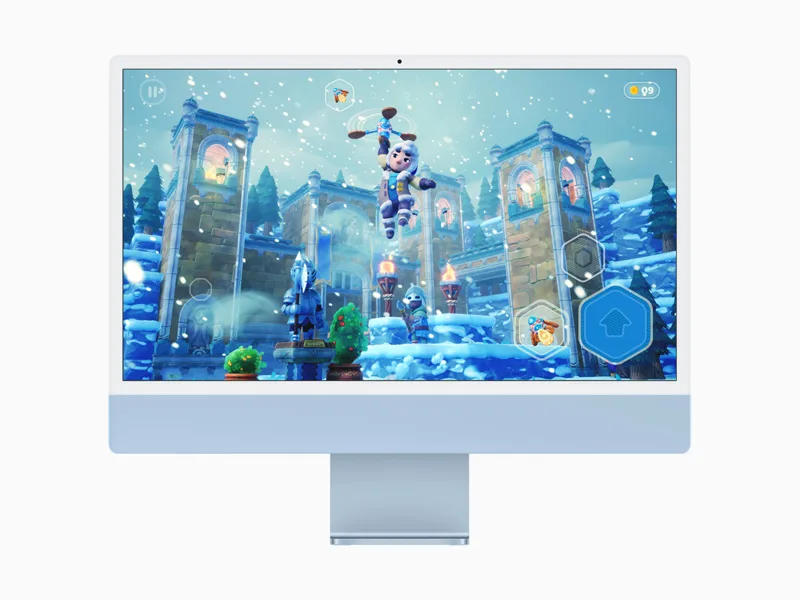
- Chip
- Apple M1
- GPU cores
- 7 / 8
- Unified memory
- 8 / 16 GB
- Cooling
- Fan
- Geekbench Metal
- 29,497
- Tier
- Entry level · 8/100
Other Macs with the M1 chip
The Apple M1 also powers the MacBook Air M1, the MacBook Pro M1, and the Mac mini M1.
Other Macs for World of Warcraft: Forever
1080p · High
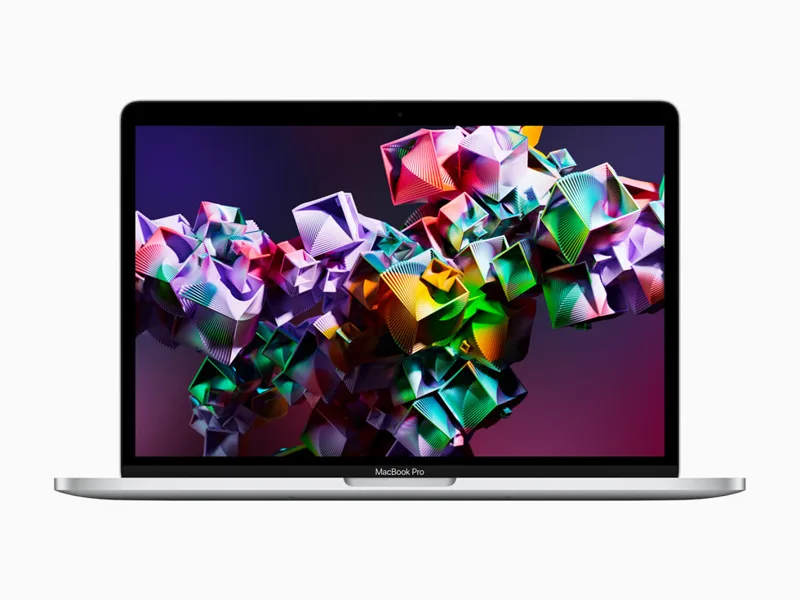
MacBook Pro M1
M1 · 8 GPU
Won't runView analysis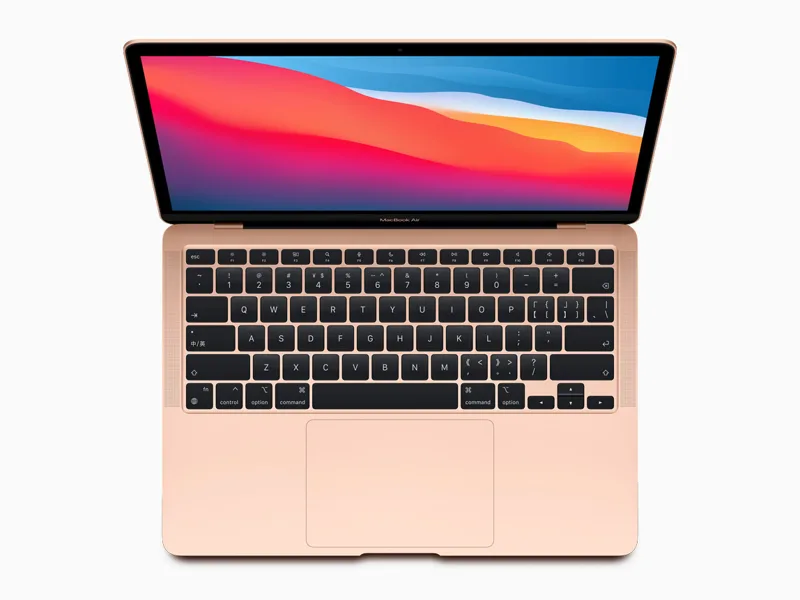
MacBook Air M1
M1 · 7/8 GPU
Won't runView analysis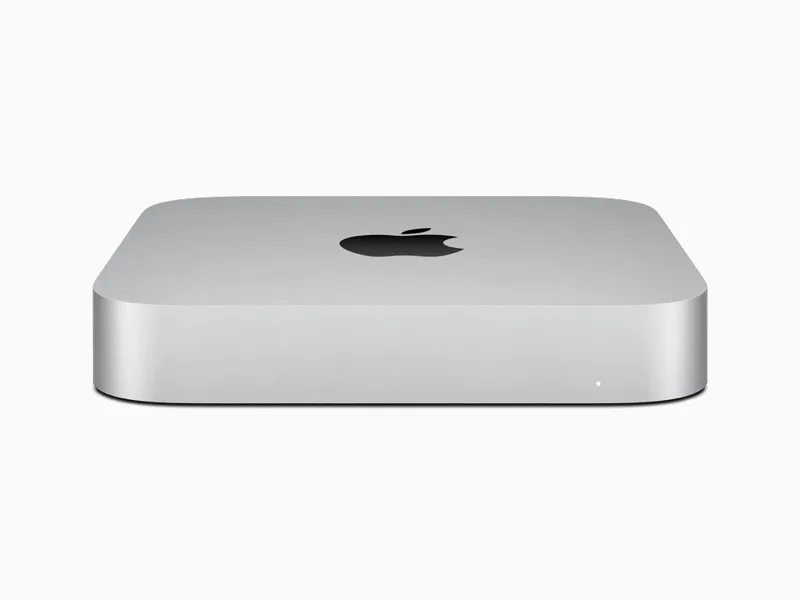
Mac mini M1
M1 · 8 GPU
Won't runView analysis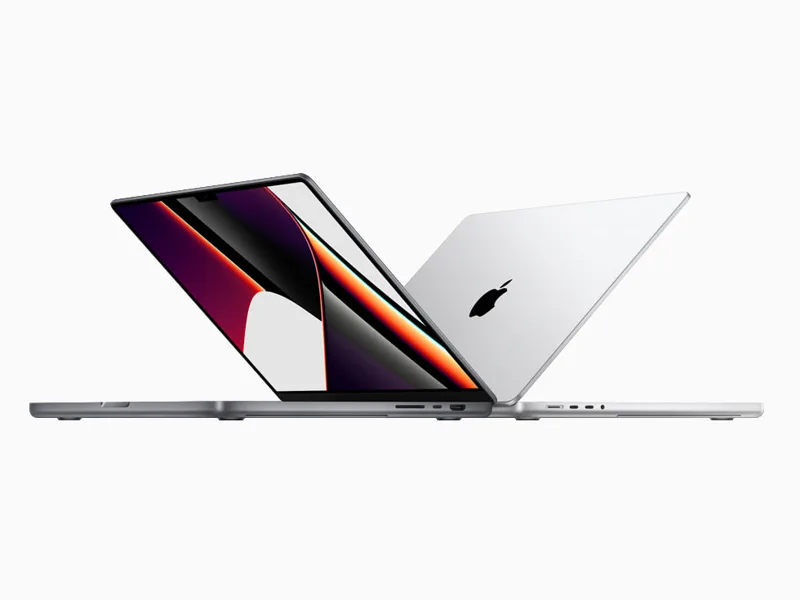
MacBook Pro M1 Pro
M1 Pro · 14/16 GPU
Won't runView analysis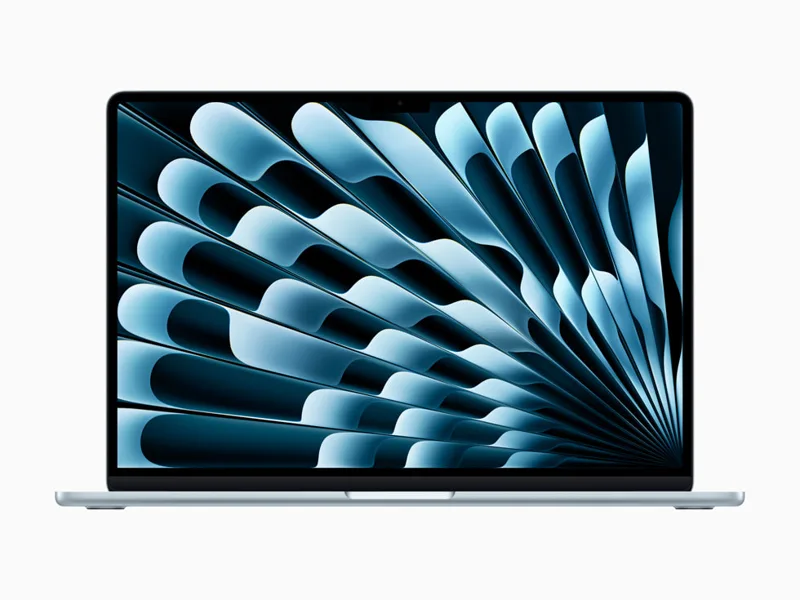
MacBook Air M2
M2 · 8/10 GPU
87FPSView analysisMac mini M2
M2 · 10 GPU
112FPSView analysis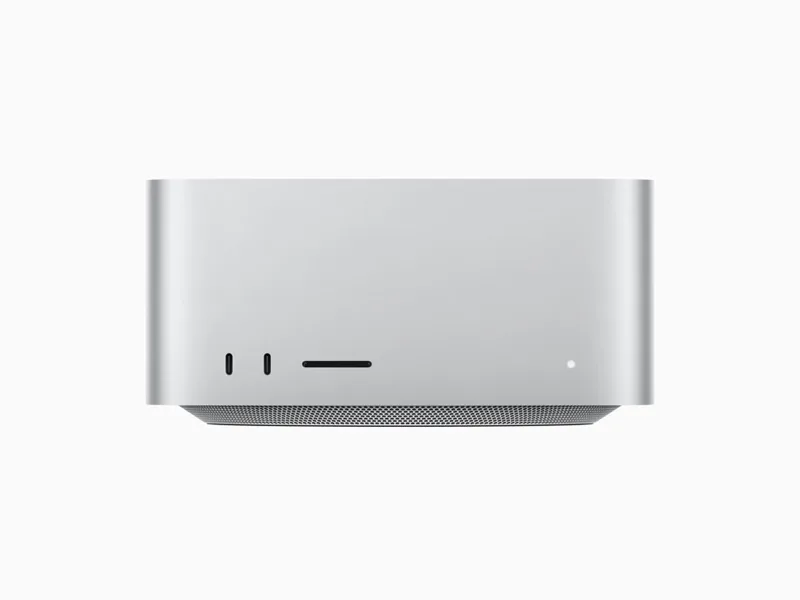
Mac Studio M1 Max
M1 Max · 24/32 GPU
Won't runView analysisMacBook Pro M2
M2 · 10 GPU
111FPSView analysis
World of Warcraft: Forever on every Mac →
Shopping for an all-round gaming Mac? Mac ranking by real FPS →
Other games on the iMac M1
- Death Stranding Director's Cut30FPS
- Hitman World of Assassination35FPS
- Lies of P45FPS
- Frostpunk 232FPS
- GRID Legends41FPS
- No Man's Sky32FPS
- Resident Evil 232FPS
- Resident Evil 7 biohazard32FPS
- Rise of the Tomb Raider38FPS
- XCOM 232FPS
Official Mac requirements
- Minimum
- macOS 12 · Apple M2 · 8 GB memory · 128 GB SSD storage · Apple M1 is not supported
- Recommended
- macOS 15 · Apple M4 · 16 GB memory
Source: us.shop.battle.net
FAQ
Is World of Warcraft: Forever native on Apple Silicon?
Yes, it has a native Apple Silicon version, available on Battle.net. No CrossOver, Parallels or Game Porting Toolkit needed.