
Can the MacBook Air M1 run World of Warcraft: Forever? Requirements and alternatives
Not supported on this Mac
No. World of Warcraft: Forever requires at least an Apple M2, and the MacBook Air M1 has an Apple M1. You will need a newer or higher-tier Mac.
Data reviewed October 1, 2026 · how we calculate it
MacBook Air M1 specs
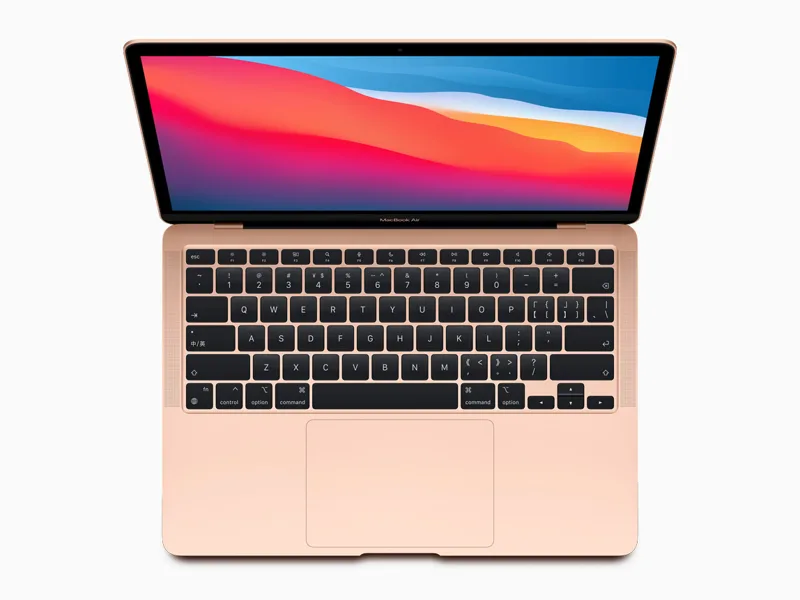
- Chip
- Apple M1
- GPU cores
- 7 / 8
- Unified memory
- 8 / 16 GB
- Cooling
- Fanless
- Geekbench Metal
- 29,497
- Tier
- Entry level · 8/100
Other Macs with the M1 chip
The Apple M1 also powers the MacBook Pro M1, the Mac mini M1, and the iMac M1.
Other Macs for World of Warcraft: Forever
1080p · High
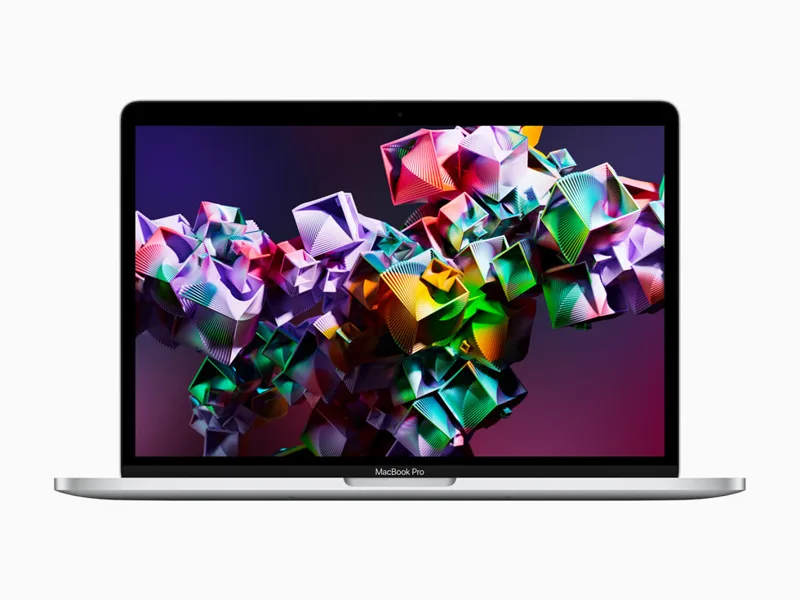
MacBook Pro M1
M1 · 8 GPU
Won't runView analysis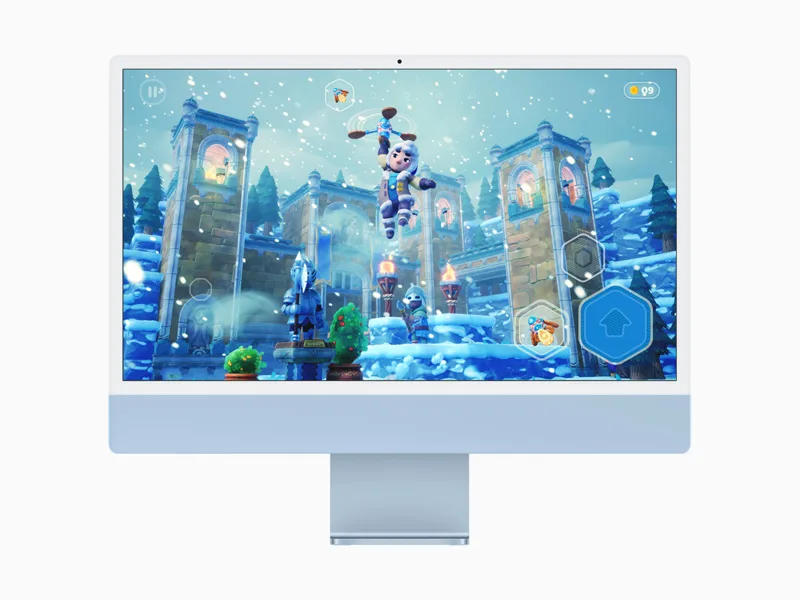
iMac M1
M1 · 7/8 GPU
Won't runView analysis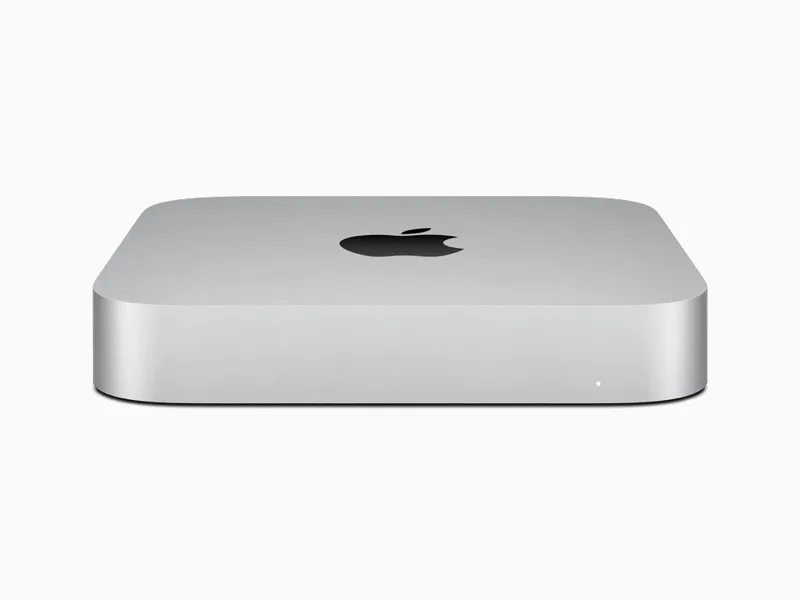
Mac mini M1
M1 · 8 GPU
Won't runView analysis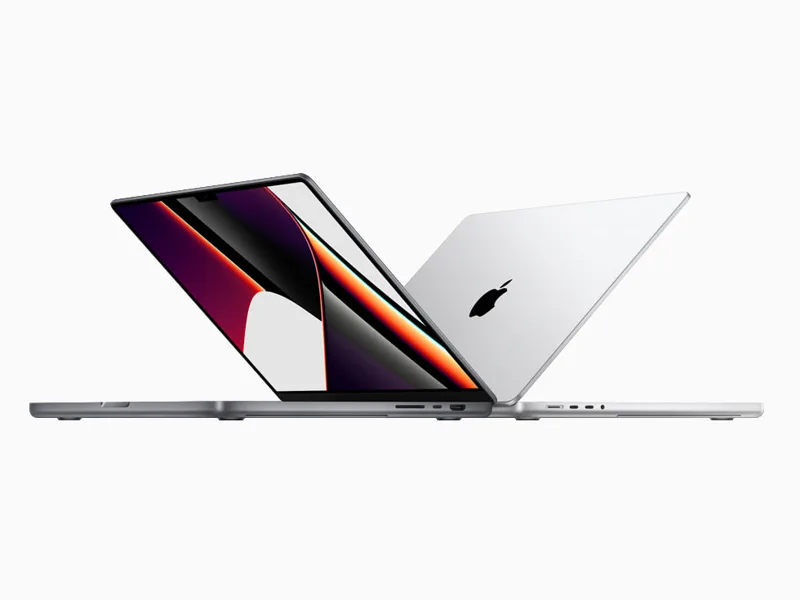
MacBook Pro M1 Pro
M1 Pro · 14/16 GPU
Won't runView analysis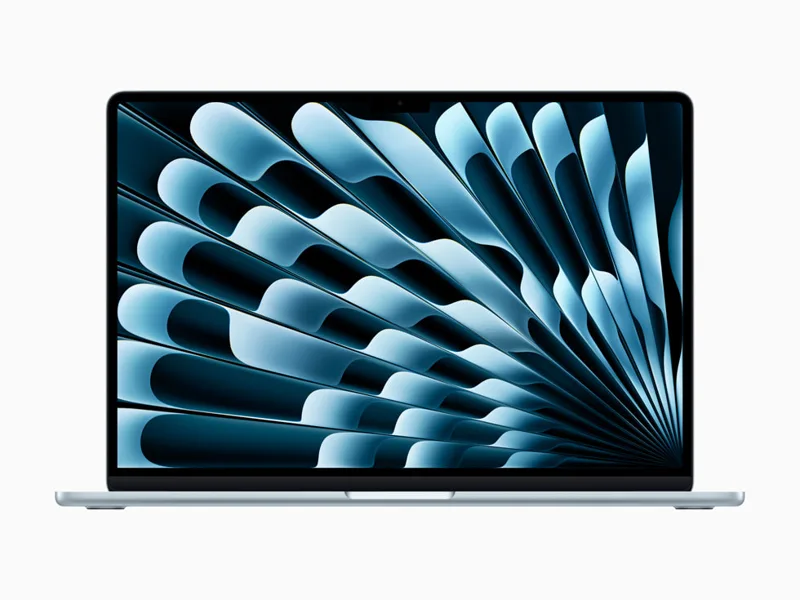
MacBook Air M2
M2 · 8/10 GPU
87FPSView analysisMac mini M2
M2 · 10 GPU
112FPSView analysis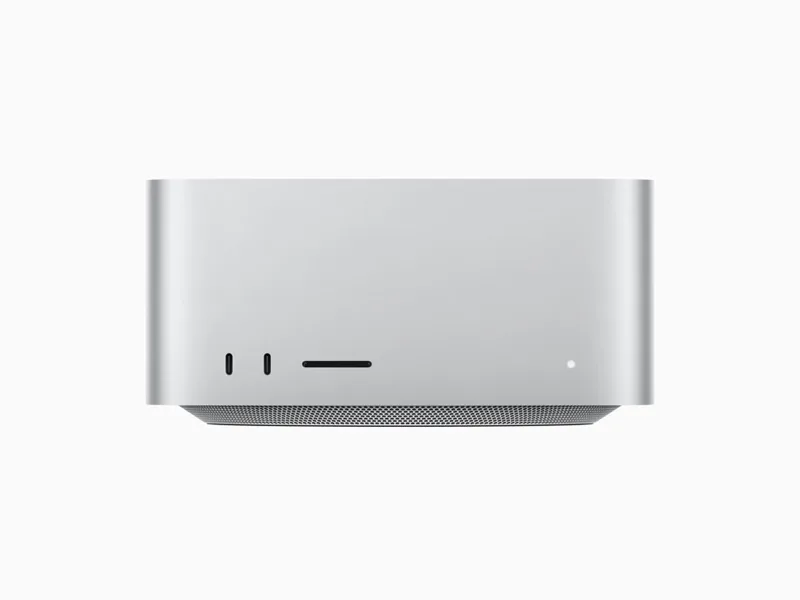
Mac Studio M1 Max
M1 Max · 24/32 GPU
Won't runView analysisMacBook Pro M2
M2 · 10 GPU
111FPSView analysis
World of Warcraft: Forever on every Mac →
Shopping for an all-round gaming Mac? Mac ranking by real FPS →
Other games on the MacBook Air M1
- Hitman World of Assassination30FPS
- Lies of P38FPS
- GRID Legends37FPS
- Rise of the Tomb Raider34FPS
- Cities: Skylines44FPS
- Civilization VI44FPS
- Civilization VII38FPS
- Crusader Kings III44FPS
- Divinity: Original Sin 244FPS
- Final Fantasy XIV44FPS
Official Mac requirements
- Minimum
- macOS 12 · Apple M2 · 8 GB memory · 128 GB SSD storage · Apple M1 is not supported
- Recommended
- macOS 15 · Apple M4 · 16 GB memory
Source: us.shop.battle.net
FAQ
Is World of Warcraft: Forever native on Apple Silicon?
Yes, it has a native Apple Silicon version, available on Battle.net. No CrossOver, Parallels or Game Porting Toolkit needed.