
Can the Mac Studio M1 Ultra run World of Warcraft: Forever? Requirements and alternatives
Not supported on this Mac
No. World of Warcraft: Forever requires at least an Apple M2, and the Mac Studio M1 Ultra has an Apple M1 Ultra. You will need a newer or higher-tier Mac.
Data reviewed October 1, 2026 · how we calculate it
Mac Studio M1 Ultra specs
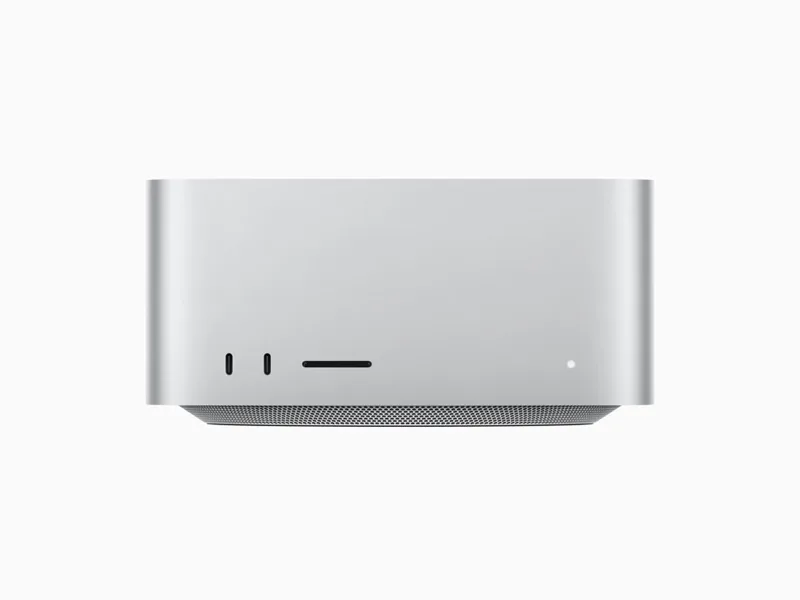
- Chip
- Apple M1 Ultra
- GPU cores
- 48 / 64
- Unified memory
- 64 / 128 GB
- Cooling
- Fan
- Geekbench Metal
- 141,252
- Tier
- High end · 39/100
Other Macs for World of Warcraft: Forever
1080p · High
Mac Studio M1 Max
M1 Max · 24/32 GPU
Won't runView analysis
MacBook Pro M1 Max
M1 Max · 24/32 GPU
Won't runView analysisMacBook Pro M1 Pro
M1 Pro · 14/16 GPU
Won't runView analysisMac Studio M2 Ultra
M2 Ultra · 60/76 GPU
179FPSView analysis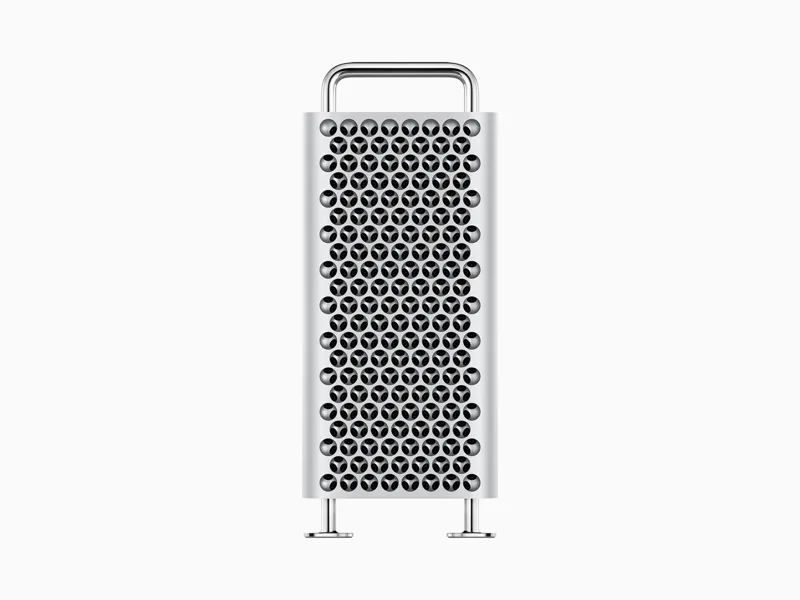
Mac Pro M2 Ultra
M2 Ultra · 60/76 GPU
179FPSView analysis
MacBook Pro M1
M1 · 8 GPU
Won't runView analysis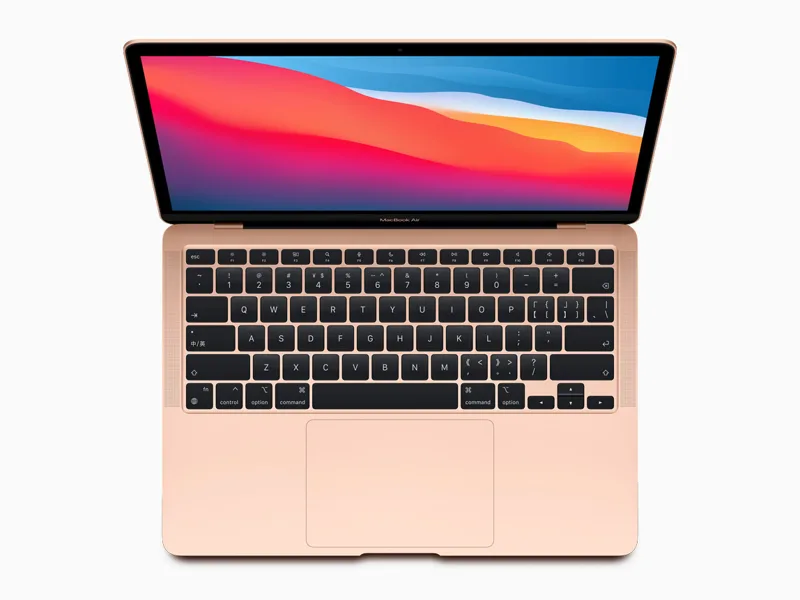
MacBook Air M1
M1 · 7/8 GPU
Won't runView analysisMacBook Pro M2 Max
M2 Max · 30/38 GPU
176FPSView analysis
World of Warcraft: Forever on every Mac →
Shopping for an all-round gaming Mac? Mac ranking by real FPS →
Other games on the Mac Studio M1 Ultra
- Assassin's Creed Shadows39FPS
- Cyberpunk 207766FPS
- Baldur's Gate 393FPS
- Control Ultimate Edition91FPS
- Death Stranding Director's Cut133FPS
- Hitman World of Assassination137FPS
- Lies of P141FPS
- Metro Exodus127FPS
- Resident Evil 4117FPS
- Resident Evil Village118FPS
Official Mac requirements
- Minimum
- macOS 12 · Apple M2 · 8 GB memory · 128 GB SSD storage · Apple M1 is not supported
- Recommended
- macOS 15 · Apple M4 · 16 GB memory
Source: us.shop.battle.net
FAQ
Is World of Warcraft: Forever native on Apple Silicon?
Yes, it has a native Apple Silicon version, available on Battle.net. No CrossOver, Parallels or Game Porting Toolkit needed.